
Up and running in two minutes.
Install it, take a restore point, apply your first tweaks. The walkthrough below shows every screen you will touch, and the video covers the whole thing end to end.
Five steps, start to finish.
The real screens, in the order you will meet them. Click a number to jump to that step.
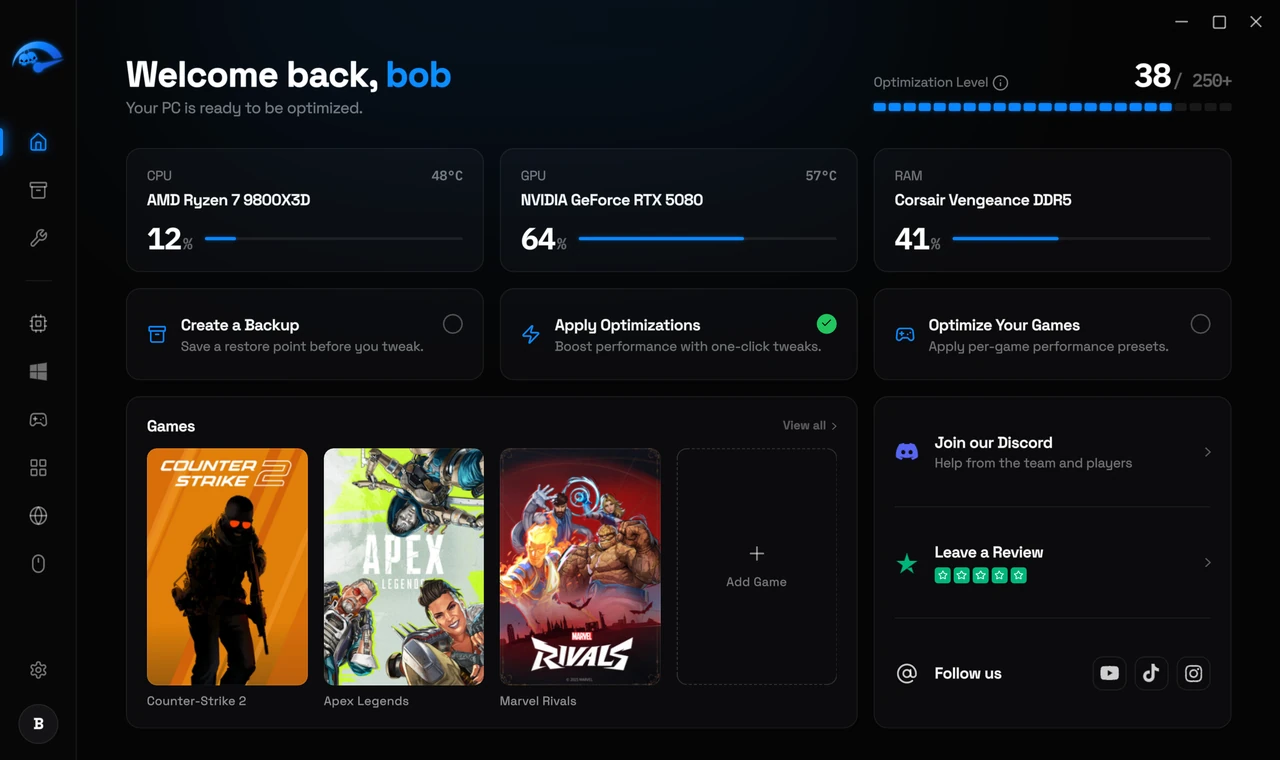
Download and open it
One installer, no setup wizard to fight. It opens straight onto your PC's status.
See where you stand
Live CPU, GPU, RAM and temperatures, plus how many optimizations you have applied so far.
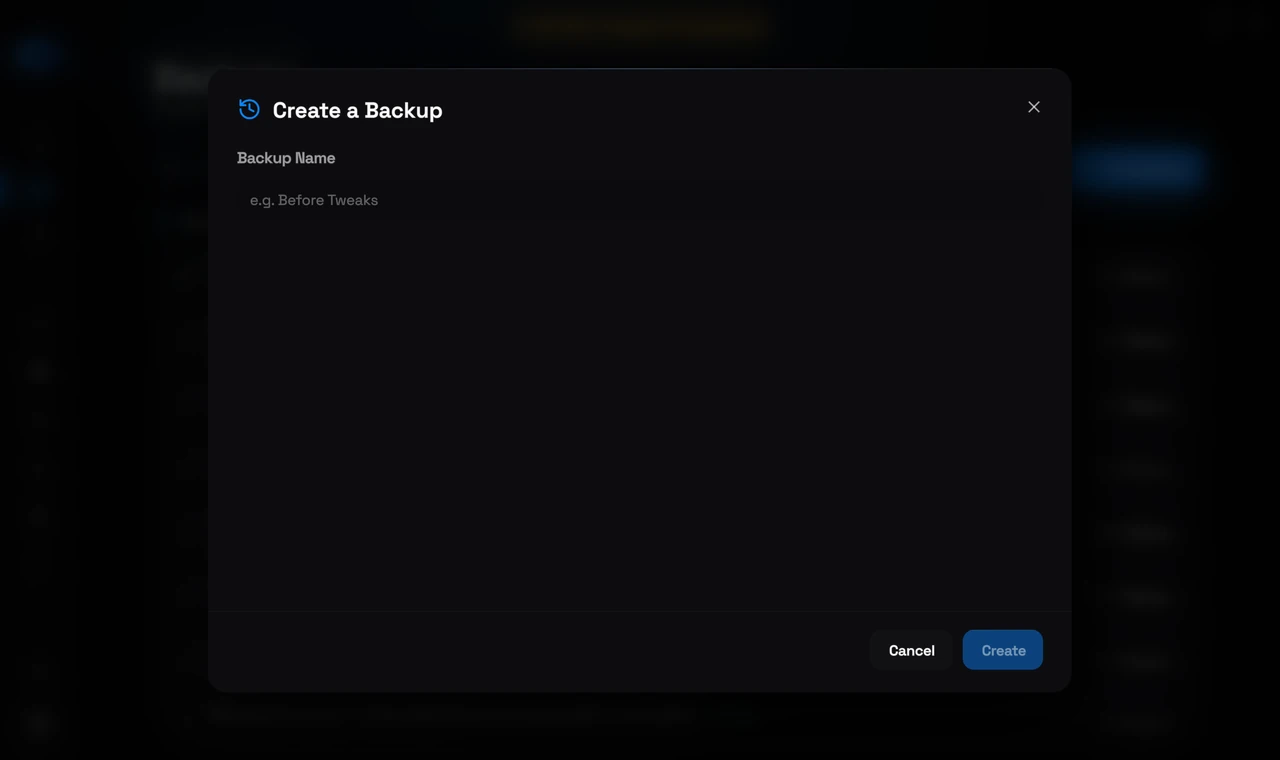
Take a restore point first
One click before you change anything. This is what makes every tweak safe to undo later.
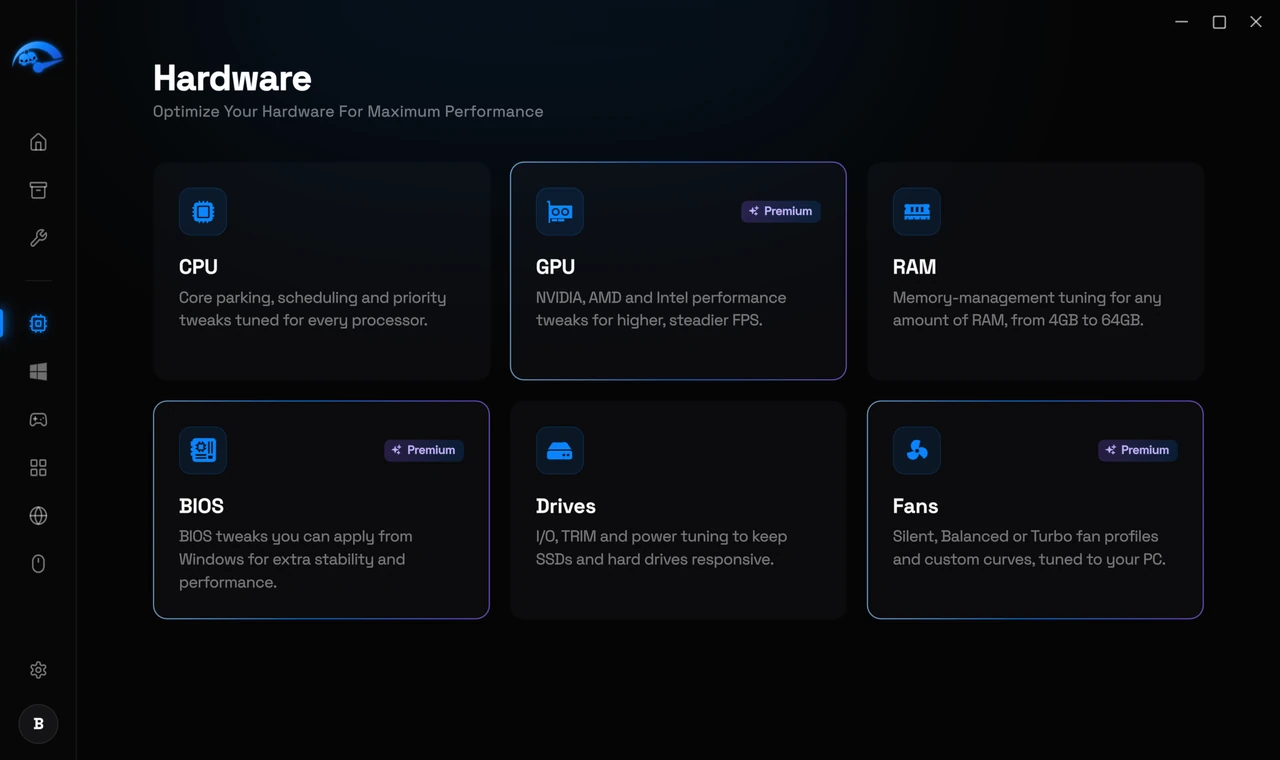
Tune your actual hardware
Your CPU, GPU, RAM and drives, each with the tweaks that apply to that part. Nothing generic, nothing that does not fit your machine.
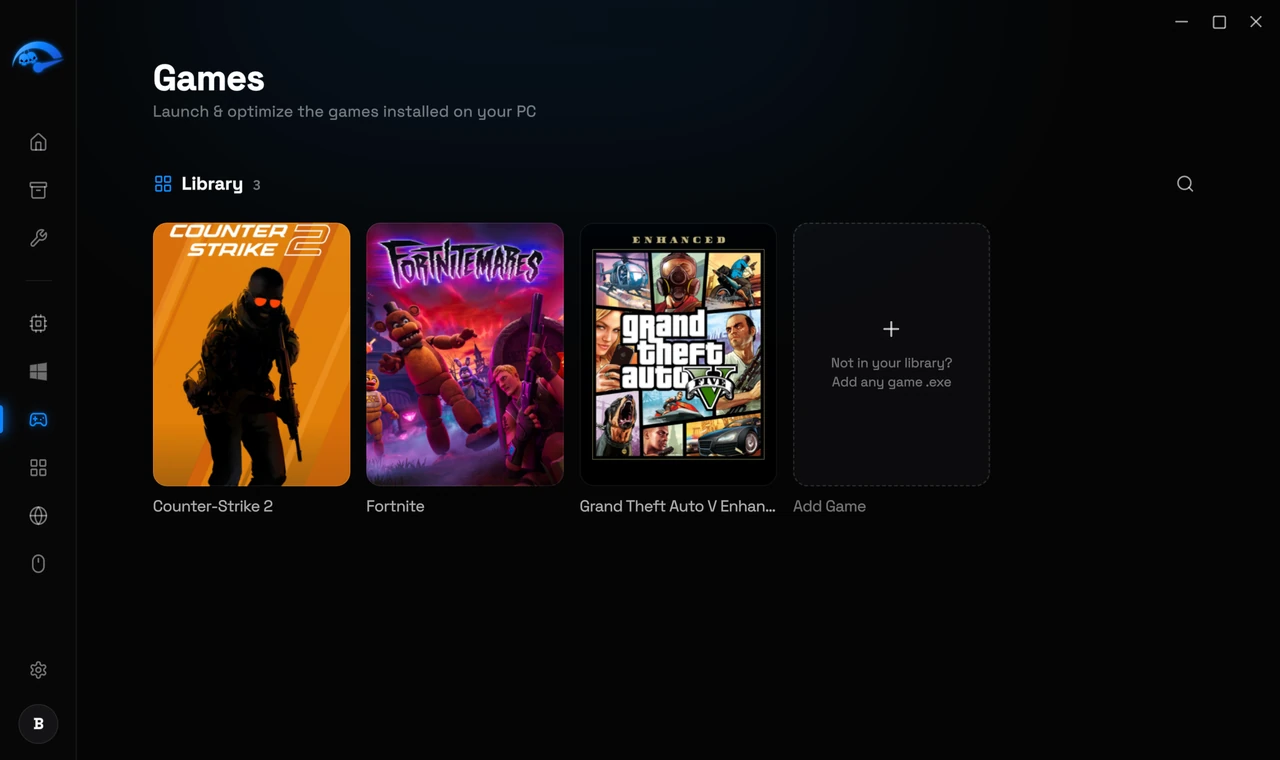
Tune it per game
Pick a profile for the game you are about to launch, then switch back when you are done.
Everything it does for your PC.
System optimization
Tweaks across Windows that cut input latency, free up resources and lift frame rates.
One-click fixes
A whole screen of common Windows faults, from Bluetooth pairing to Teredo and disk mounting, each repaired with one button.
Per-game profiles
Apply a profile for the game you are about to launch, then switch back when you are done.
Safe and reversible
Every change can be rolled back. Nothing is applied that could leave Windows unstable.
Works on your PC
Windows 10 and 11, on Intel, AMD and NVIDIA, with no compatibility caveats.
Lower system latency
Less delay between what you do and what the screen shows, across the whole system.
Frequently asked questions
What is RIP Tweaks?
Which systems does it work on?
Is it safe to use?
Do I need to pay to try it?
How long does setup take?
Stuck on any step?
Ask in the Discord and someone will actually answer. Setup help, tweak advice, and a look at what other people are running.