
1 min to read
How to Install RIP Reticle on Windows
RIP Reticle is no longer sold. If you bought it, it stays yours for good, and you can install it again at any time.
1
Sign in to My Account on our website
Use the email you bought RIP Reticle with.
2
Open Downloads and click Download RIP Reticle
The button only shows on an account that owns RIP Reticle. If you use RIP Tweaks, its Apps page can install RIP Reticle for you too.
3
Run the installer and click through the setup screens
4
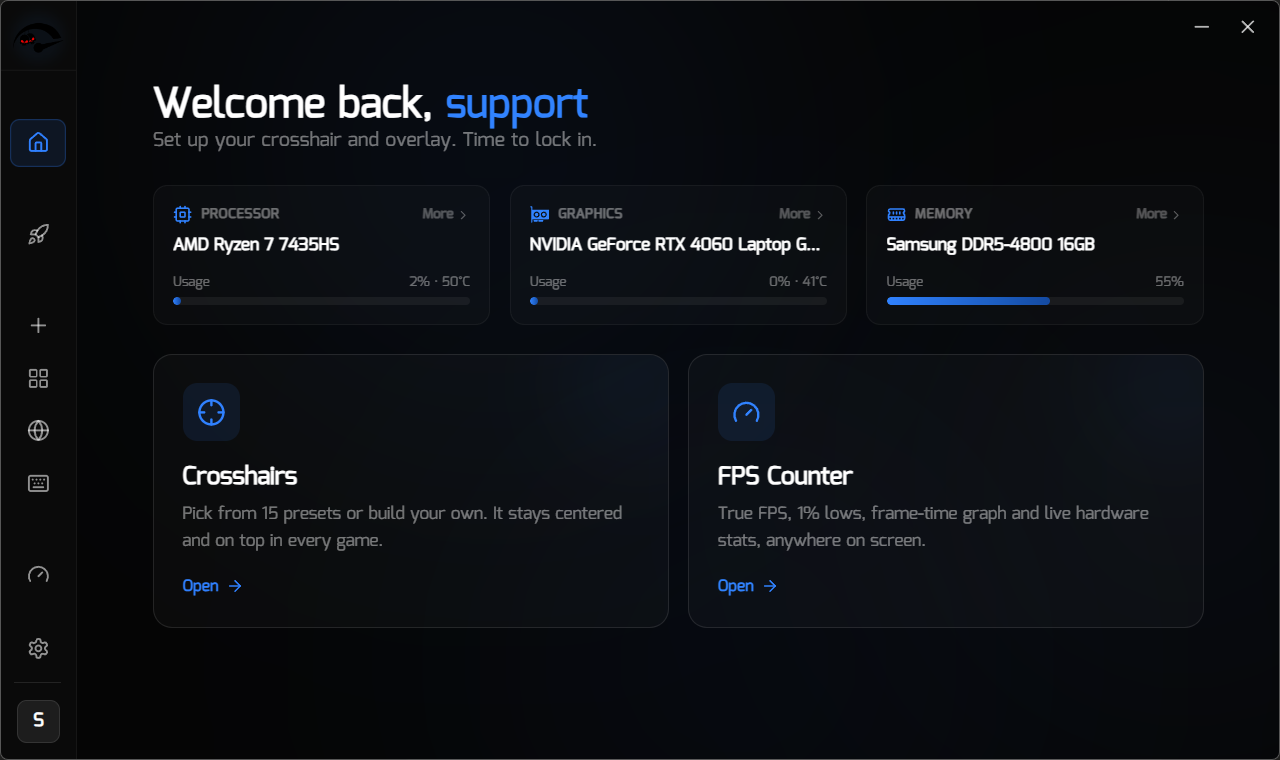
Open RIP Reticle from your desktop or Start menu and sign in with the same email you purchased with
If you see a purchase prompt
The licence is not on the email you signed in with. Check you used the same one you bought RIP Reticle with, or send us a message from the support bubble at the bottom right and we will look it up.
Running it alongside RIP Tweaks
Both apps can run at the same time. They are separate installs with separate licences and they do not interfere with each other.
If Windows or your antivirus warns you. Overlay software gets flagged on behaviour by some scanners. See “Overlays, Anti-Cheat and Multiple Monitors”.