NVIDIA Driver Writing to Your SSD: The Free Fix for 621.14 and 621.24
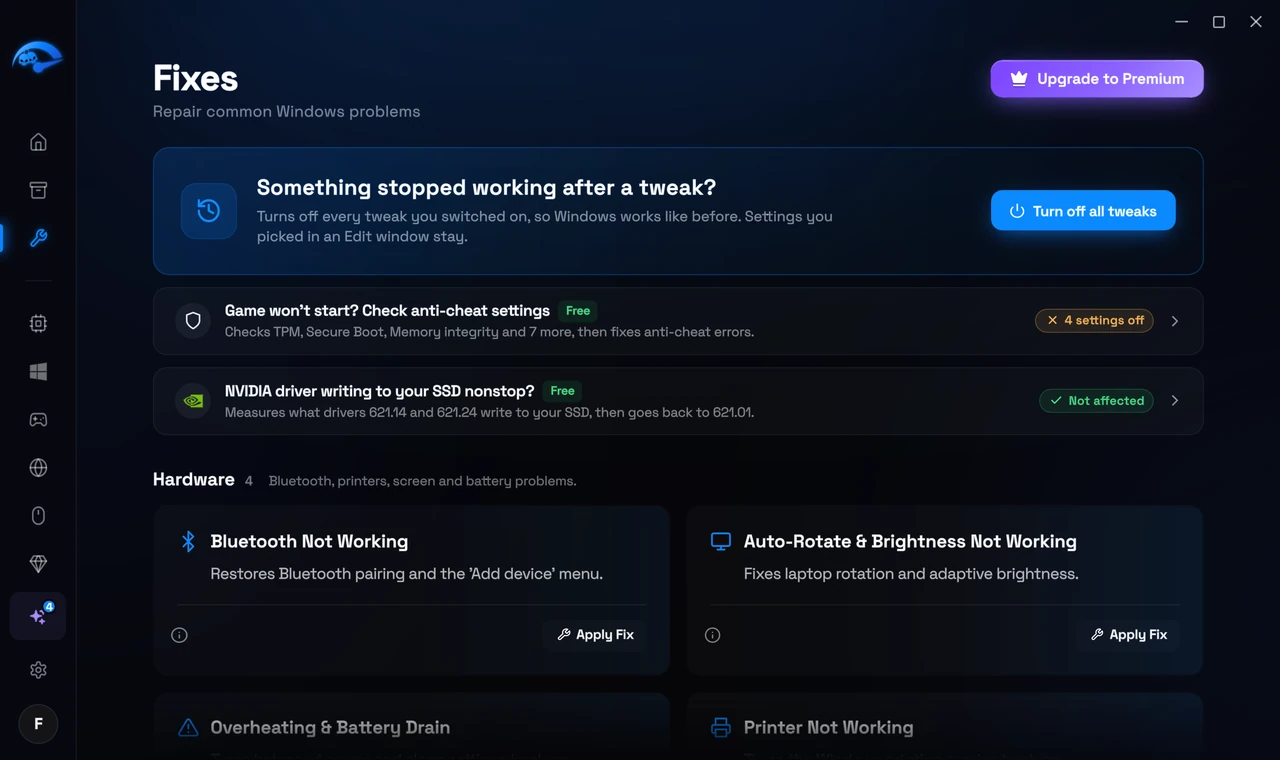
GeForce drivers 621.14 and 621.24 have a bug: an NVIDIA service keeps rewriting a log file on your drive, even when your PC is idle. The check NVIDIA driver writing to your SSD nonstop? on the Fixes page of RIP Tweaks measures it for one minute. On these two drivers it shows You're in the danger zone and goes back to driver 621.01 for you with one button. It is free.
What happens
From November 18, 2026, VideoCardz, Tom's Hardware, TechPowerUp, XDA, ShiftDelete and others reported it: on these two drivers the NVIDIA Display Container LS service (NVDisplay.Container.exe) writes the file nvlog.nvlgstg in C:\ProgramData\NVIDIA Corporation\nvtopps\nct again and again. Users measured about 515 MB in 5 minutes on 621.14, against under 2 MB on 621.01, and up to 30 GB per hour on some PCs. NVIDIA has not confirmed it yet.
Stopping the service and deleting the log only helps until the file grows back. Going back to 621.01 is the fix most users report.
Check your PC
1
Open Fixes
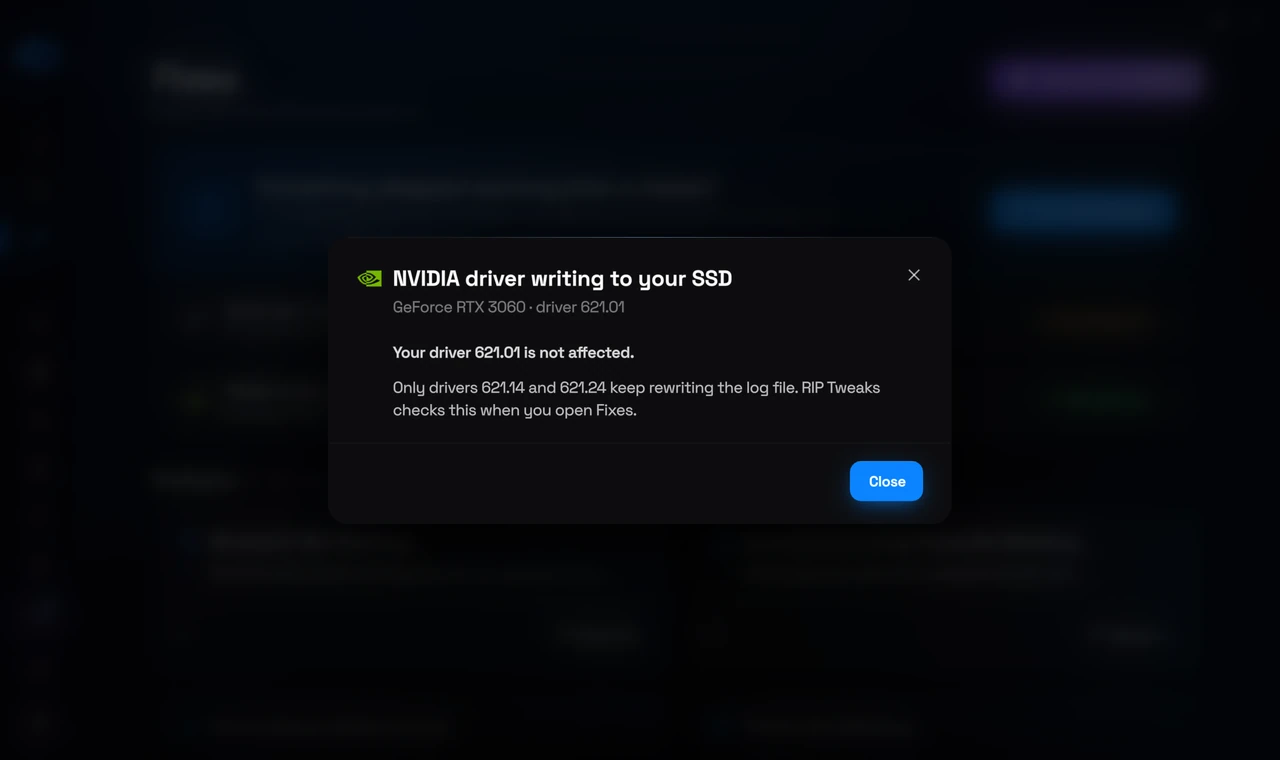
In RIP Tweaks, open Fixes in the sidebar. On drivers 621.14 and 621.24 you see the red card You're in the danger zone at the top. With any other NVIDIA driver you see the row NVIDIA driver writing to your SSD nonstop?
2
Wait one minute
On drivers 621.14 and 621.24 the app measures what the NVIDIA driver writes for one minute and shows it in MB per hour. Any other driver shows Not affected right away.
3
Press Roll back to 621.01
The button is on the card on both drivers, also when the driver writes little right now. From 200 MB per hour the card says it is happening right now. A healthy driver writes under 25 MB per hour.
What the fix does
Finds 621.01 for your graphics card
From NVIDIA's own driver list for your card, desktop or laptop, Windows 10 and 11 64-bit. If NVIDIA doesn't list 621.01 for your card, the app says so and changes nothing.
Makes a restore point
Before anything on your PC changes.
Downloads it from nvidia.com and checks it
Only NVIDIA's original file runs: its exact size, its SHA-256 fingerprint and NVIDIA's signature are checked first.
Installs it clean
With NVIDIA's own clean install. HD Audio, PhysX and the NVIDIA App stay if you have them. The screen goes black for a few seconds and your NVIDIA settings go back to default.
Measures again
The old log is cleared, RIP Tweaks restarts, measures for another minute and shows before and after.
Good to know
Free
The fix is free for everyone, with or without Premium.
Only on 621.14 and 621.24
On any other driver nothing is offered and nothing changes.
Newer drivers
When NVIDIA releases a driver without this bug, you can update as usual. RIP Tweaks offers the fix only on 621.14 and 621.24.
RTX 50 cards
On some RTX 50 cards, driver 621.01 can freeze video playback or show a short black screen. NVIDIA fixed that in its optional hotfix 621.12. On these cards RIP Tweaks shows this note before you confirm.