
Driver Updates: How They Work and What They Cost
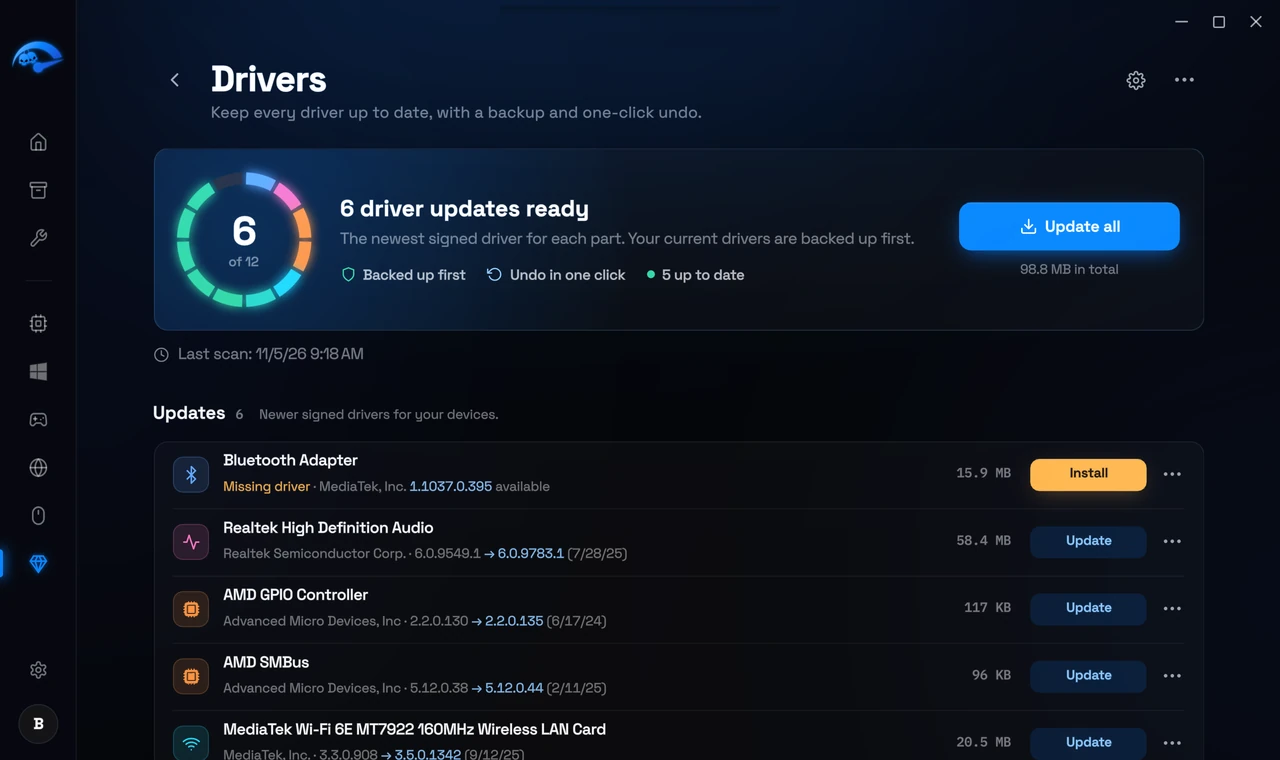
Drivers in the RIP Tweaks app keeps every driver on your PC up to date. It finds drivers that are out of date or missing and installs the newest signed driver made for that device. Your current driver is backed up first, so every update can be undone.
What it costs
The scan is free
2.49 euro once for all updates
Not part of Premium
How to update your drivers
Open Extras in the sidebar, pick Drivers and press Scan
Check what was found
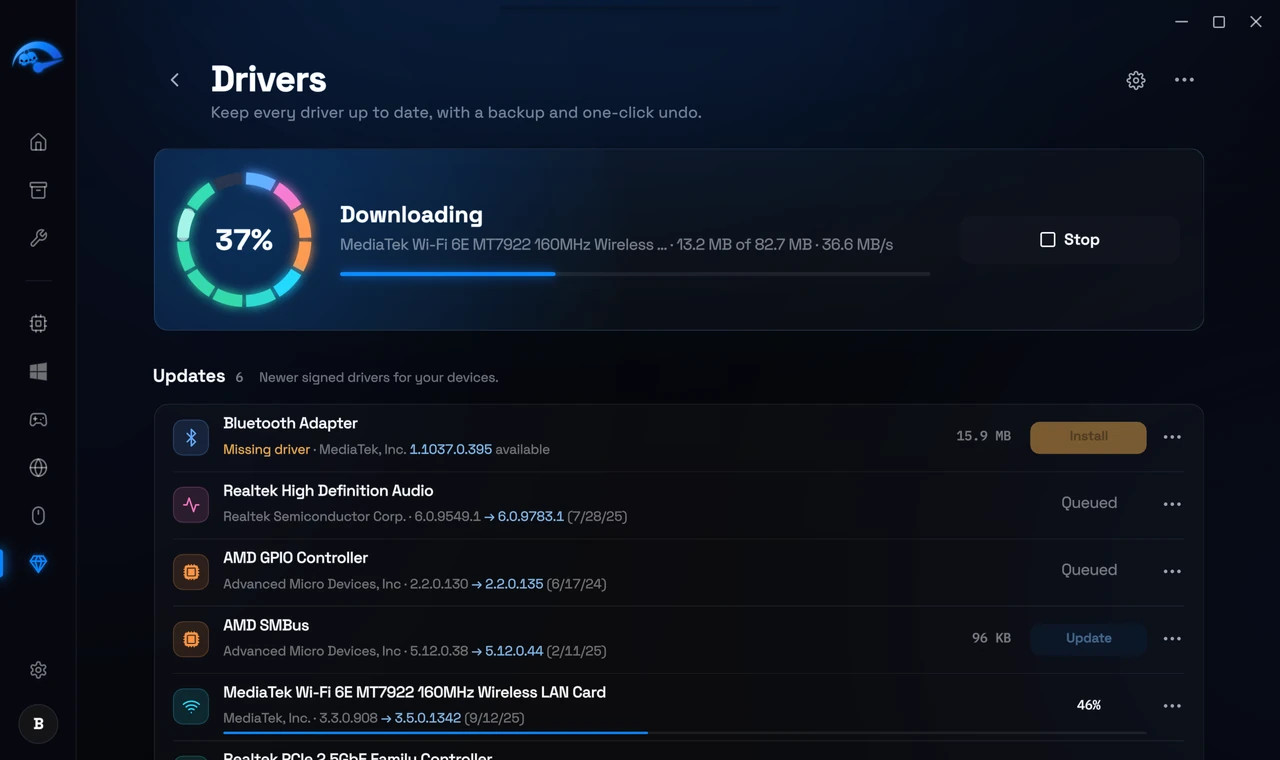
Press Update all, or Update on one driver
Restart if the app asks you to
Where the drivers come from
Every driver comes from our own driver library, which we refresh every week, or from Microsoft's update service. Only signed drivers made for your device are installed, and you get the newest one, whichever company made it. A driver your PC maker made for your exact model stays, and drivers for drives, USB and input devices are never swapped for another maker's. Firmware is never updated here.
Backups and undo
Your old driver is saved first
A restore point before updating
Roll back or restore
Skip an update
History lists every update, rollback and restore on this PC, and Export driver list saves a list of all your drivers.
How to buy it
Press Unlock on the Drivers page. The payment page opens in your browser, and driver updates unlock in the app as soon as the payment arrives. You can also buy it on the website, on its page under Extras or in My Account, under Extras. Your account needs an email address.
Related: Extras: What You Can Add and What It Costs, PC Analysis: What It Checks and What It Costs, Creating a Restore Point Before You Tweak.