PC Analysis is an extra in the RIP Tweaks app. It measures your whole PC and writes an honest report: a score out of 100, what to fix first and which upgrade gives you the most FPS for your money, with the evidence behind every finding. The scan only reads: nothing on your PC is changed.
What it costs
2.49 euro once, unlimited analyses
One payment unlocks PC Analysis for good. Run it as often as you like, for example before and after you change something. Outside the euro area you pay in your own currency, at the price set for your country, like Premium.
Not part of Premium
PC Analysis is an extra of its own. Once bought, it stays on your account, even if your Premium plan ends.
Quick or full
Quick analysis
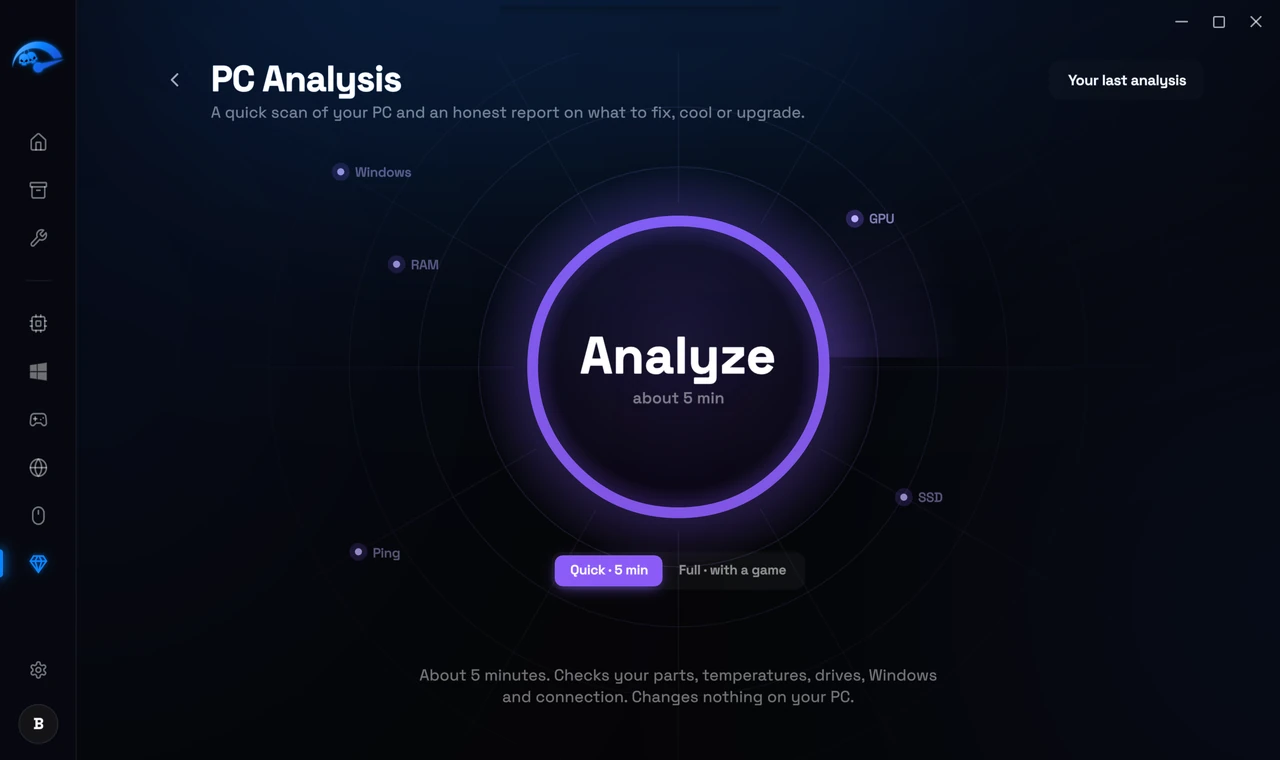
About 5 minutes. Checks your parts, temperatures, drives, Windows and connection.
Full analysis
About 10 minutes of checks, including the Windows system files and a 1 GB speed test on your Windows drive. Then you play any game for 5 to 15 minutes, and the report also shows how your games really run: FPS, stutters and what causes them.
How to run it
1
Open PC Analysis from Extras
In the app, open Extras in the sidebar and pick PC Analysis.
2
Pick Quick or Full and press Analyze
Pick Quick · 5 min or Full · with a game under the ring, then press the ring.
3
Check what it sends and press Start the scan
Before anything runs, the app shows exactly what the analysis sends and what happens during the scan.
4
Leave the PC alone while it checks
When asked, move your mouse in circles for a few seconds. The analysis also runs a short load test to watch your temperatures. Nothing is changed.
5
For a full analysis, start a game when asked
Play as you normally do for at least 5 minutes. The analysis finds the game by itself and ends after 15 minutes or when you close the game.
What the report tells you
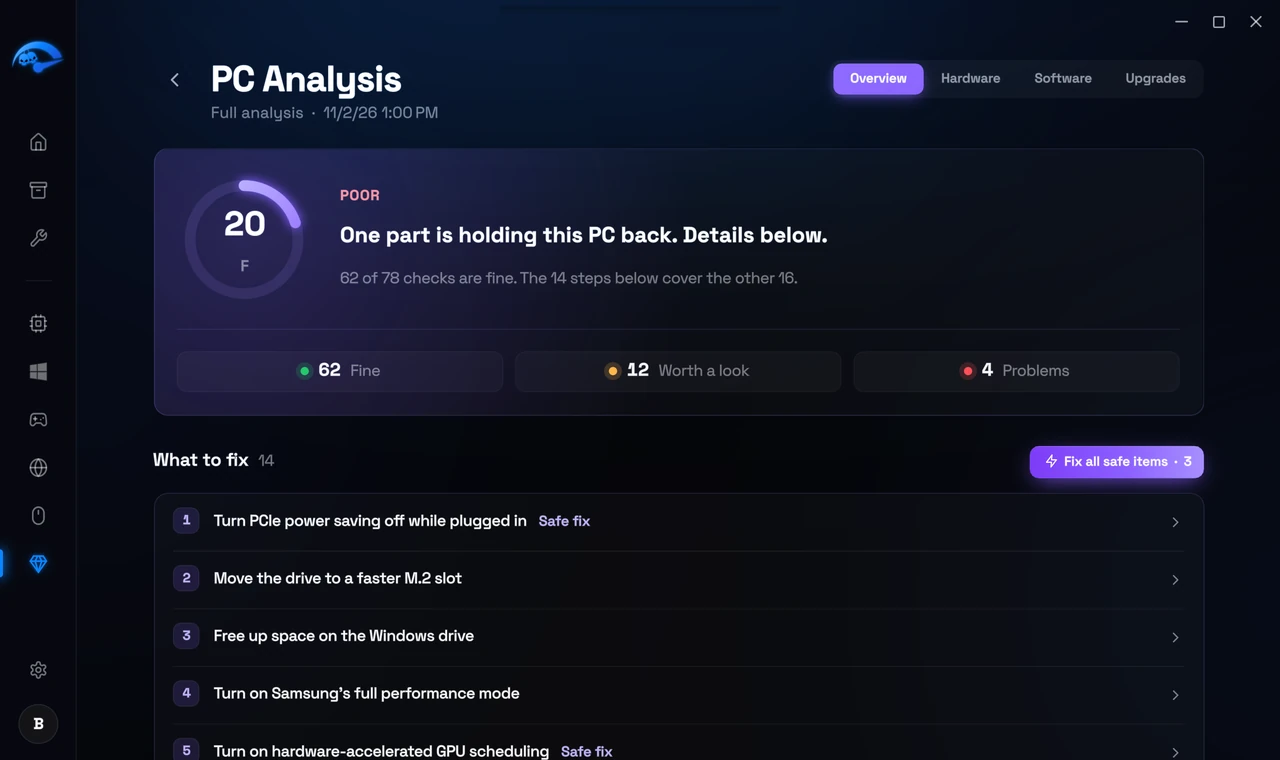
The report opens on Overview: your score, how many checks are fine, worth a look or a problem, and What to fix, the most important first. The score starts at 100. Every check that needs a look takes a few points off, a problem takes more.
What to fix
The steps that help this PC most, in order. The most useful one is marked Do this first. Every finding says what was measured, why it matters and what to do.
Safe fix
Fixes marked Safe fix are RIP Tweaks tweaks you can apply right from the report, one at a time or together with Fix all safe items. Like every tweak, they can be undone.
Hardware and Software
Every check by area: processor, graphics card, memory, drives, temperatures, Windows, network, your devices and BIOS settings. Where a change usually helps, the report says what it typically does, as a range, because every PC is different.
Upgrades
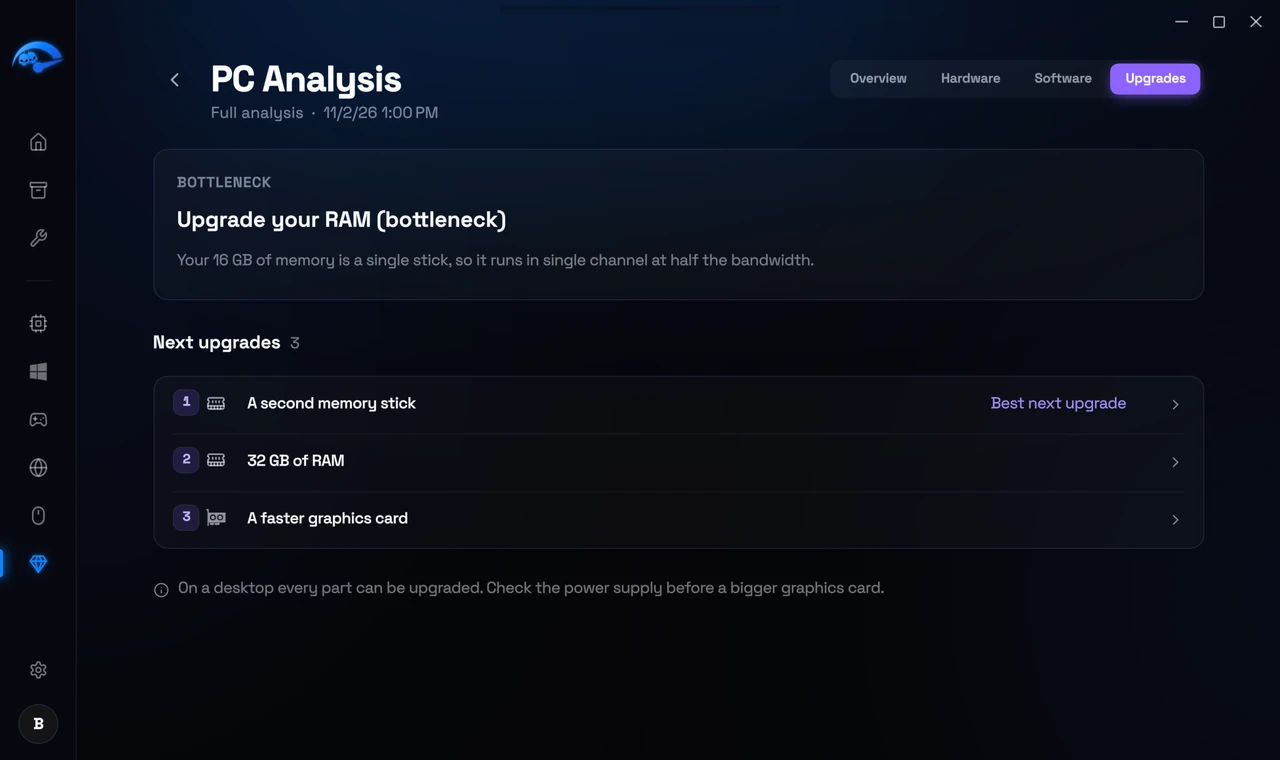
The part that holds your PC back the most, and the upgrades that give it the biggest jump for the money, biggest first.
After a full analysis, the report also shows Your game session: frame times, stutters and temperatures during your game.
Your data
The scan only reads. The app measures your PC, sends the numbers to RIP Tweaks, and our server writes the report in your language. See the data that was sent shows every value. You can delete a report at any time, and reports are deleted by themselves after 12 months.
How to buy it
Press Unlock on the PC Analysis page in the app. The payment page opens in your browser, and PC Analysis unlocks in the app as soon as the payment arrives. You can also buy it on the website, on its page under Extras, or in My Account, under Extras. Your account needs an email address.