
1 min to read
How to Update Your Drivers and Check Your PC Specs
Apps
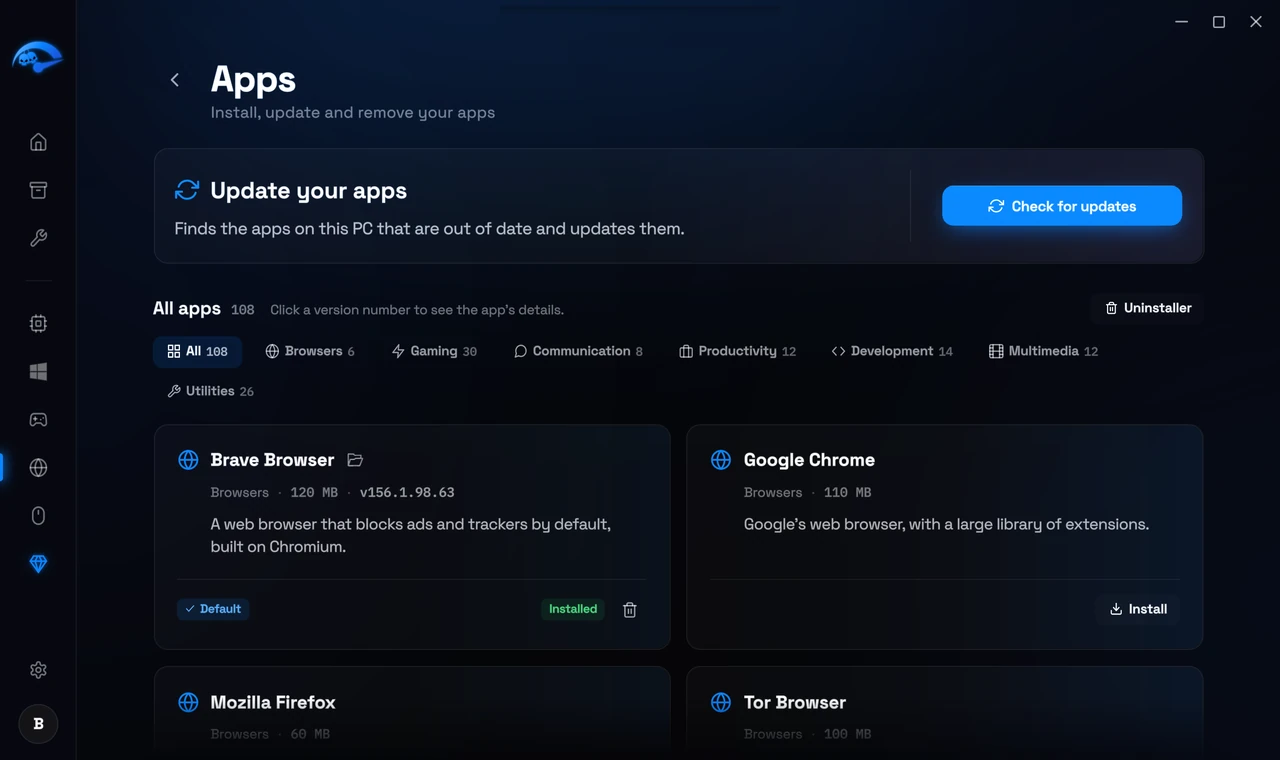
Open Apps in the sidebar. This is a software installer and updater. Browse or search the app cards, press the plus on several to bundle them, then install them all in one go. It also lists what you already have installed, shows which have updates available, and can uninstall them. Useful after a fresh Windows install when you are setting a machine up from scratch.
Drivers
Keeping graphics drivers current is one of the most reliable ways to avoid stutter and crashes, especially after a new game release. The app helps you get the current versions rather than leaving you to hunt for them. How driver updates work
System specs
Your processor, graphics card and memory are shown on the Home screen with live usage and temperature. Click More on any of the three tiles for the full detail, including model numbers, clock speeds and every sensor your hardware exposes.
Why temperatures matter
If your CPU or GPU is running hot it will throttle itself, and no amount of tweaking will get that performance back. If you see high temperatures under load, that is a cooling problem to solve first. The Fans page under Hardware can help on supported machines.