
2 min to read
How to Fix Common Windows Problems: Bluetooth, Teredo and More
Open Fixes in the sidebar. This section is separate from the optimization tweaks. It repairs Windows features that have stopped working, rather than tuning performance.
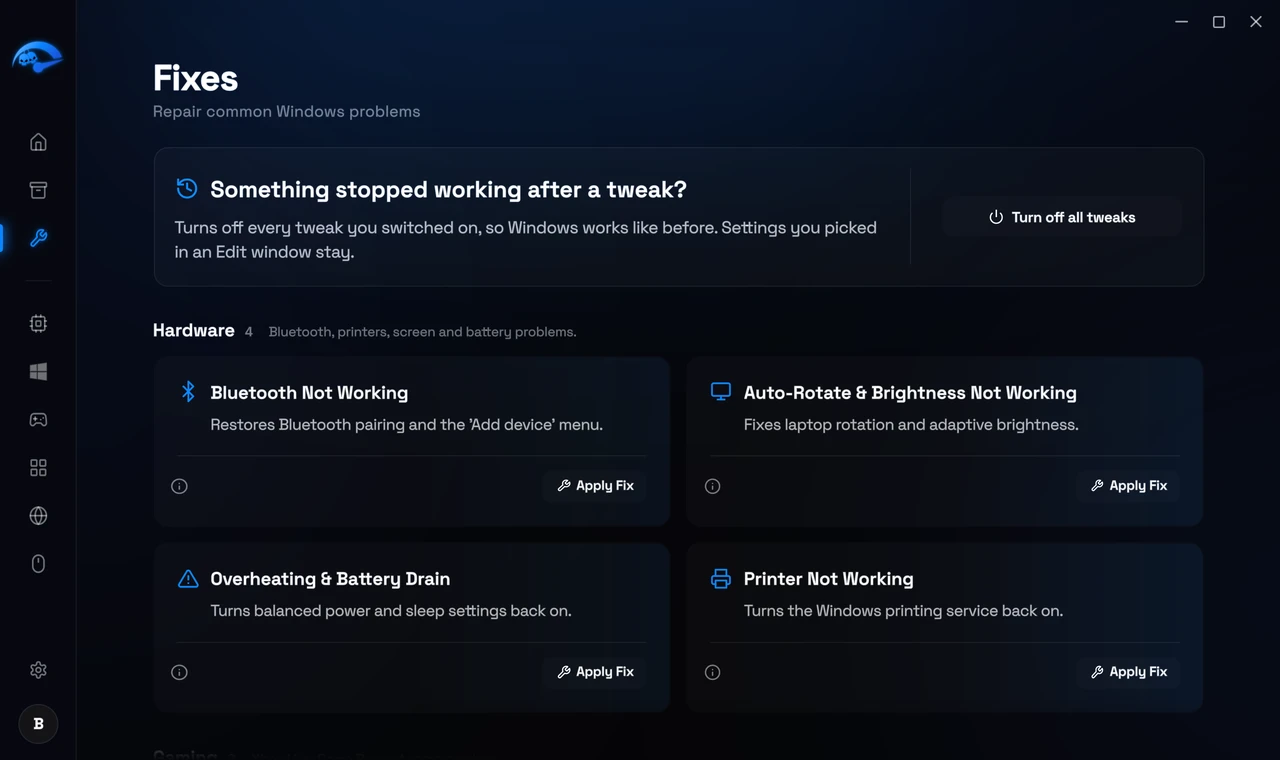
Each fix is a card with a plain description and an Apply Fix button. You can search, or filter by the chips along the top: All, Network, Gaming, Media, Hardware, System and Performance.
Examples of what is in there:
- Bluetooth Connectivity Repair. Restores Bluetooth pairing and the Add device menu when it has disappeared.
- Xbox Live Multiplayer (Teredo). Repairs Teredo so party chat and matchmaking connect again.
- Network Discovery and Casting. Restores seeing other PCs on your network and casting to TVs.
- CUDA and AI Rendering Crashes. Restores GPU compute for editing and AI tools.
- Auto Rotate and Brightness Repair. Fixes laptop screen rotation and adaptive brightness.
- Disk Mounting. Restores native ISO and virtual drive mounting.
When to use a fix
If something in Windows used to work and now does not, look here first. If you are chasing frame rate rather than a broken feature, the optimization pages are what you want instead.
Are fixes reversible?
They repair a Windows component back to working order, so there is normally nothing to undo. If you want to be careful anyway, create a restore point from Backups first.