
2 min to read
How to Undo PC Tweaks and Restore Your System
Nothing RIP Tweaks does is permanent. There are two ways to undo.
Undo individual tweaks
Every tweak in the app is a toggle. Go back to the page you applied it on, switch it off, and the setting returns to its Windows default. Use this when one specific change did not suit your system.
Roll the whole system back
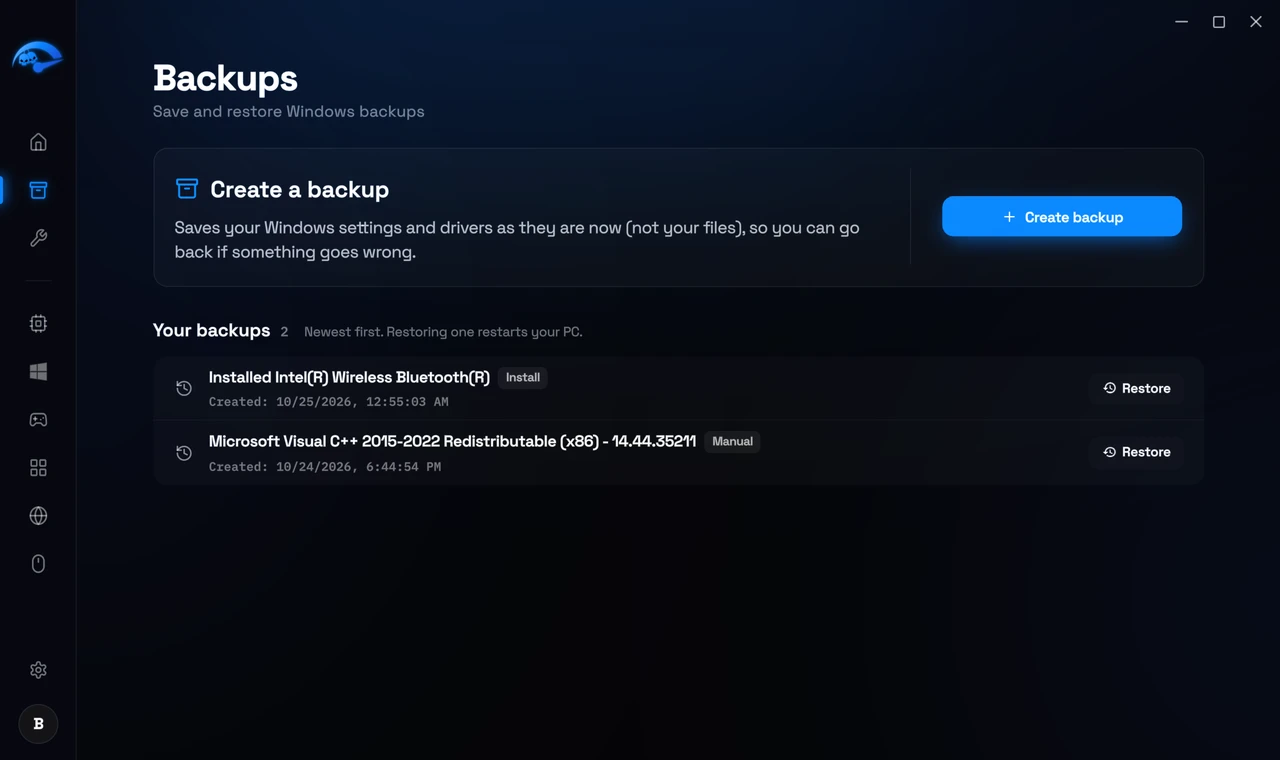
Open Backups in the sidebar. You will see your restore points listed with the date they were created. Select the one from before your changes and start the restore. Windows will restart and put your system settings back as they were.
Creating a restore point, step by step
This takes about a minute and it is the single most useful thing you can do before a session of tweaking.
1
Open Backups
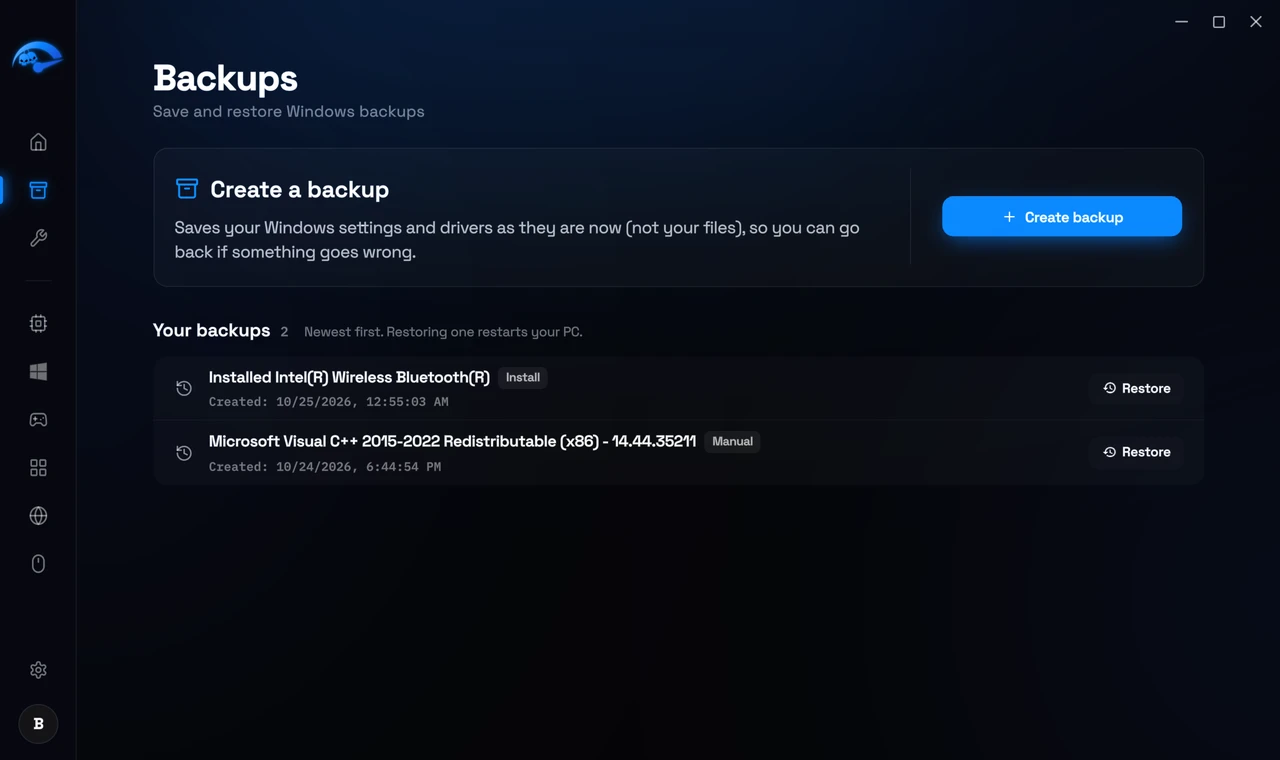
Click Backups in the sidebar. If you have never made one, the page tells you so and the list is empty.
2
Click Create New
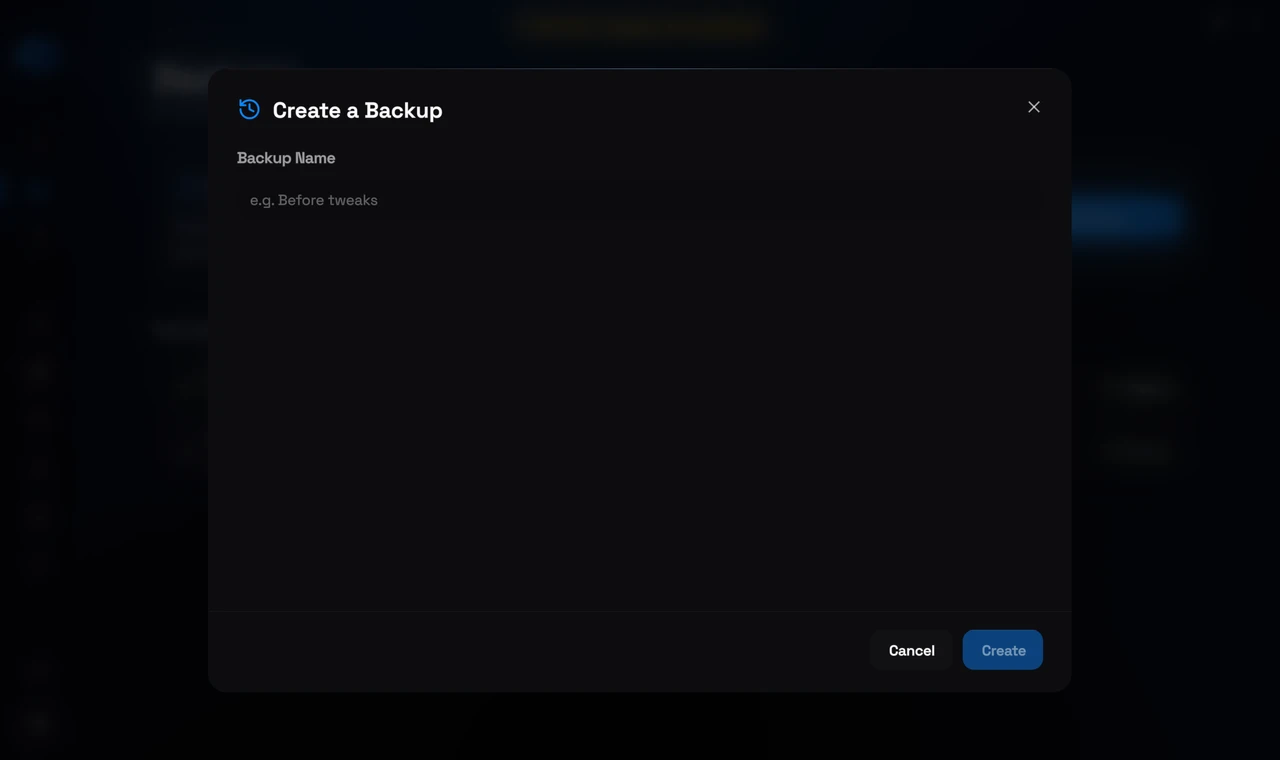
The button is at the top right of the page. A small dialog opens over the list.
3
Give it a name
Use something you will recognise later, such as Before Tweaks. The Create button lights up as soon as there is a name in the box.
4
Click Create and wait
A progress bar runs while Windows takes the snapshot. It is usually well under a minute, though it can take longer on a busy machine. Leave the dialog open until it finishes.
5
Wait for the confirmation
When Windows has finished, RIP Tweaks confirms the restore point was saved. That is your cue that it is safe to start changing things.
6
Check the list
Your restore point appears with the date and time it was made, and a Restore button beside it. That button is what you come back to if you ever want your system settings put back.
What a restore point covers
It restores Windows system settings, drivers and the registry. It does not touch your personal files, documents or games, so restoring will not delete anything you have saved.
If a tweak needs a restart
Some settings only revert fully after a restart, the same as when they were applied. If a tweak still looks active after you turn it off, restart before assuming it is stuck.