Hidden BIOS Settings With SCEWIN: The amd.bat and intel.bat Tweaks Explained

Written version of our video, every step checked against it.
Quick answer
- Hidden BIOS settings are options your motherboard menu does not show. The video changes them from Windows with two batch files, amd.bat and intel.bat, which use the tool SCEWIN.
- Download the BIOS TWEAKS zip from the yt-tweaks channel of the RIP Tweaks Discord, extract it and run the file that matches your processor, as admin.
- Use them on a desktop PC only. On a laptop there may be no way to reset the BIOS if something goes wrong.
- No batch file? The video also lists the menu settings: top RAM profile (XMP or DOCP), Precision Boost Overdrive and C-states off on AMD, max core ratio and Hyper-Threading off on Intel.
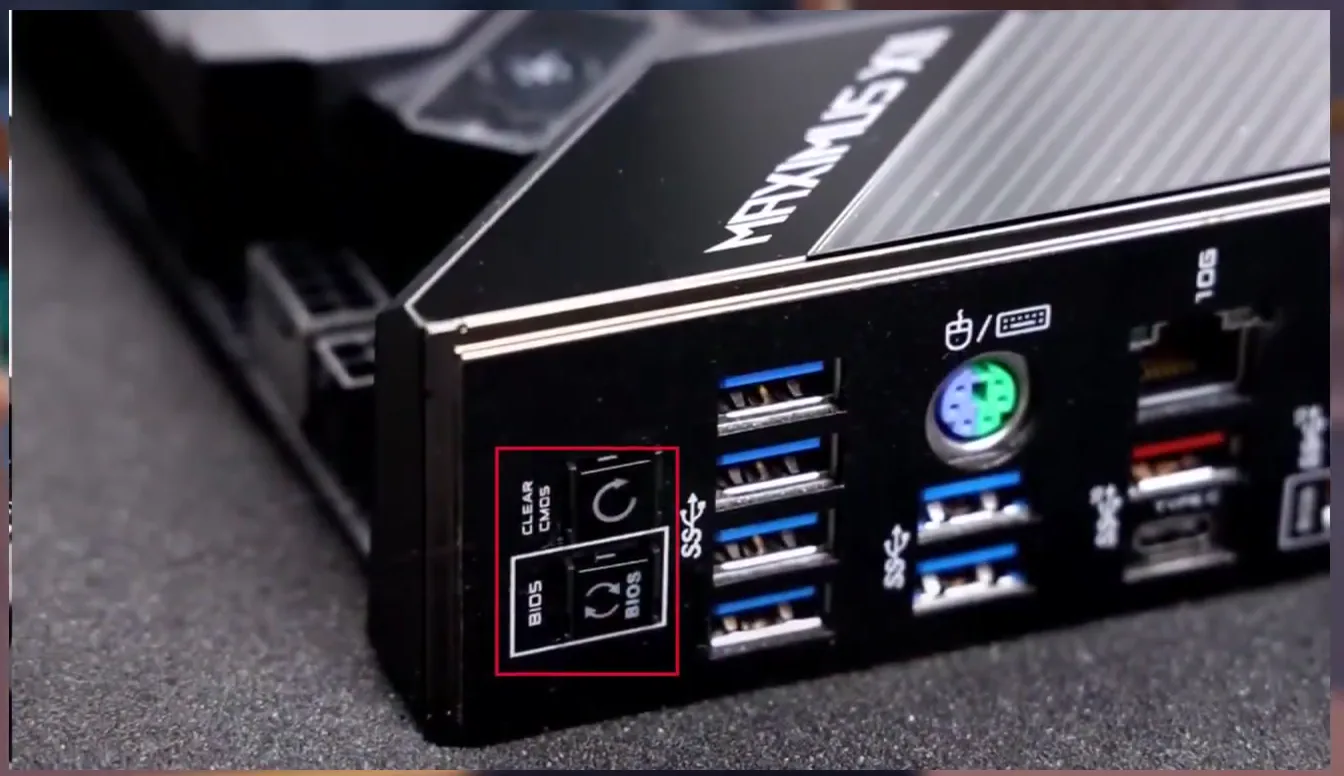
- To undo everything, take the CMOS battery out for 3 to 5 minutes with the PC unplugged, or press the Clear CMOS button on newer boards.
This guide is for desktop gamers who want the BIOS tweaks from our older video without testing every option by hand. It follows the video in order: where the two batch files come from, how to pick the right one, how to reset the BIOS first, and the AMD and Intel settings Leon sets in the BIOS itself. BIOS changes are a risk, so read the undo step before you touch anything. The settings are lined up next to our newer Intel and AMD BIOS checklist and the hidden BIOS settings guide.
In this video
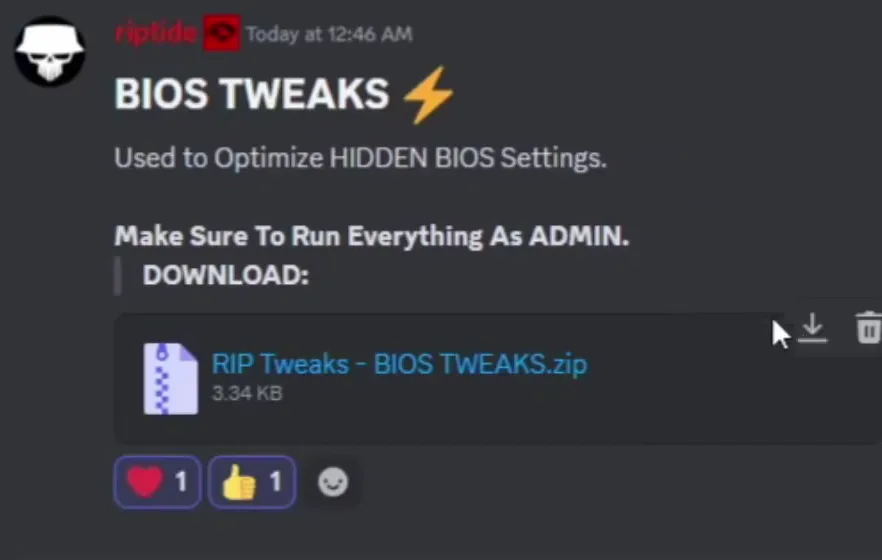
In the video, bios tweaks are described as the tweaks people skip the most, even though they can give some of the biggest gains. The hidden ones are applied through Windows. Open discord.gg/riptweaks in your browser, join the server and go to the yt-tweaks channel under Free Tweaks. The post named BIOS TWEAKS says it is used to optimize hidden BIOS settings and asks you to run everything as admin. Download RIP Tweaks - BIOS TWEAKS.zip, which is only a few KB.
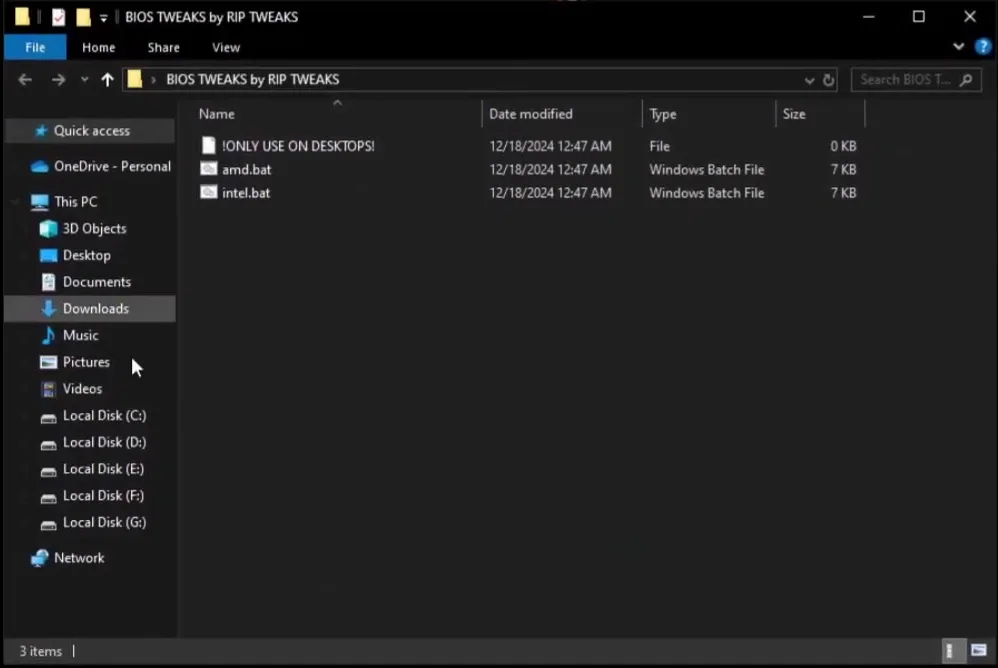
Extract the zip. The folder BIOS TWEAKS by RIP TWEAKS holds three items: an empty file named !ONLY USE ON DESKTOPS!, amd.bat and intel.bat. Pick by your processor: AMD CPU, run amd.bat; Intel CPU, run intel.bat.
The video explains that the batch files apply the hidden settings with the tool SCEWIN. Doing the same by hand would take a very long time, so Leon sorted out the settings he considers best.
Don't do this
Desktop PCs only. The folder even has a file saying so. The video says you could run it on a laptop, but if something goes wrong there is no reliable way to reset the BIOS.
The undo comes first, because it is what makes the rest safe on a desktop. Resetting the BIOS means clearing the CMOS. The old-school way: shut the PC down, unplug it, take the CMOS battery off the motherboard for 3 to 5 minutes so no charge is left, then put it back. All BIOS settings go back to default.
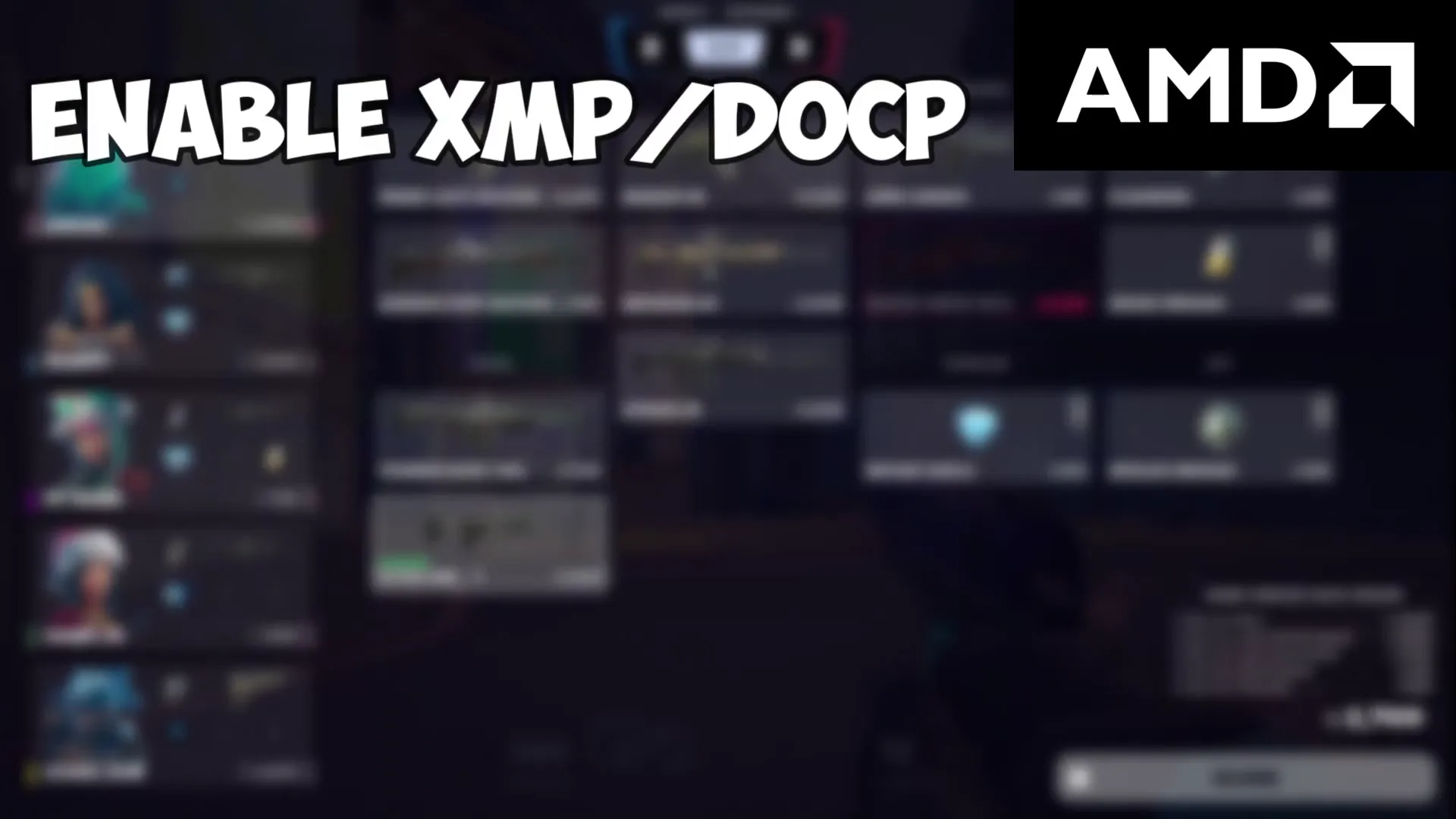
For the BIOS menu method, which works on laptop and desktop alike, the video says to write the list down and then open your BIOS. First on AMD: enable XMP or DOCP and choose the highest profile your RAM supports. If the RAM runs slower than its rated speed (Task Manager shows the current speed), find the profile with the rated frequency and select it so memory actually runs at it.
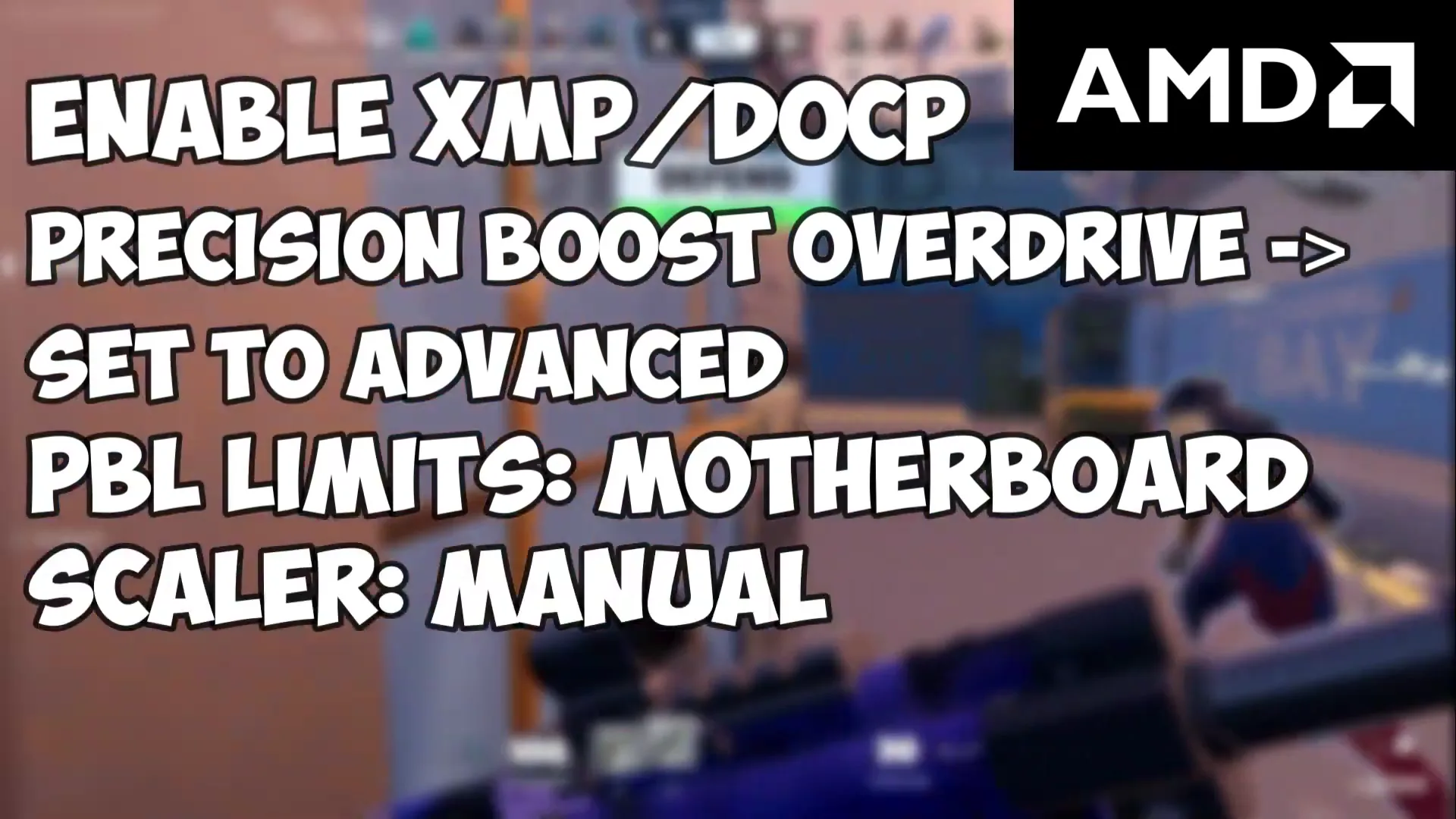
Open Precision Boost Overdrive and set it to Advanced. Then set PBO Limits to Motherboard, the Scalar (shown as Scaler in the video) to Manual, and the Max CPU Boost Clock Override to 200.
Precision Boost OverdriveAdvancedPBO Limits: MotherboardScalar: ManualMax CPU Boost Clock Override: 200
Careful
PBO lets the CPU draw more power and run warmer. Check your cooling and temperatures after the change. Menu names differ by board, so search the BIOS for each one.
Next come the CPU features. Leave SMT Control enabled. Disable SVM Mode. Disable NX Mode, but on an AM5 motherboard leave it enabled. Disable PSS Support and Spread Spectrum.
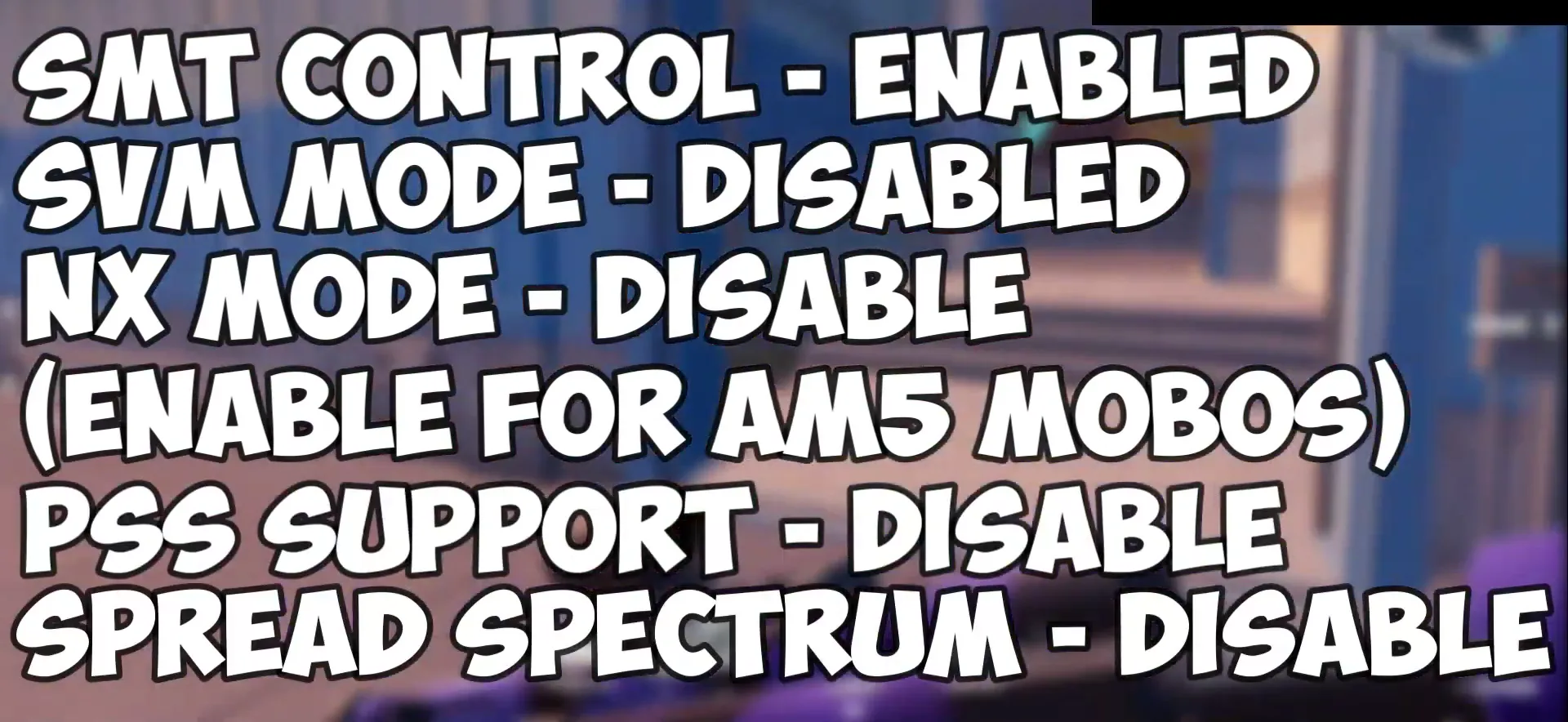
SVM Mode is AMD's virtualization, so turn it back on if you use virtual machines or Android emulators.
Disable Global C-State Control and every other power saving feature you can find, for example Power Supply Idle Control. Turn Resize BAR on, especially with an NVIDIA 30 series GPU or newer; the video does not recommend it on older cards. Last, set the PCI-E generation to Gen 3, and that is the whole AMD list.


For Intel, set the P-Core Ratio (called core ratio in the speech) to the maximum turbo clock speed. If you see AVX offset values (shown as ABX), set them to 0. Disable Ring Down Bin. Enable XMP at the highest RAM profile, as on AMD.
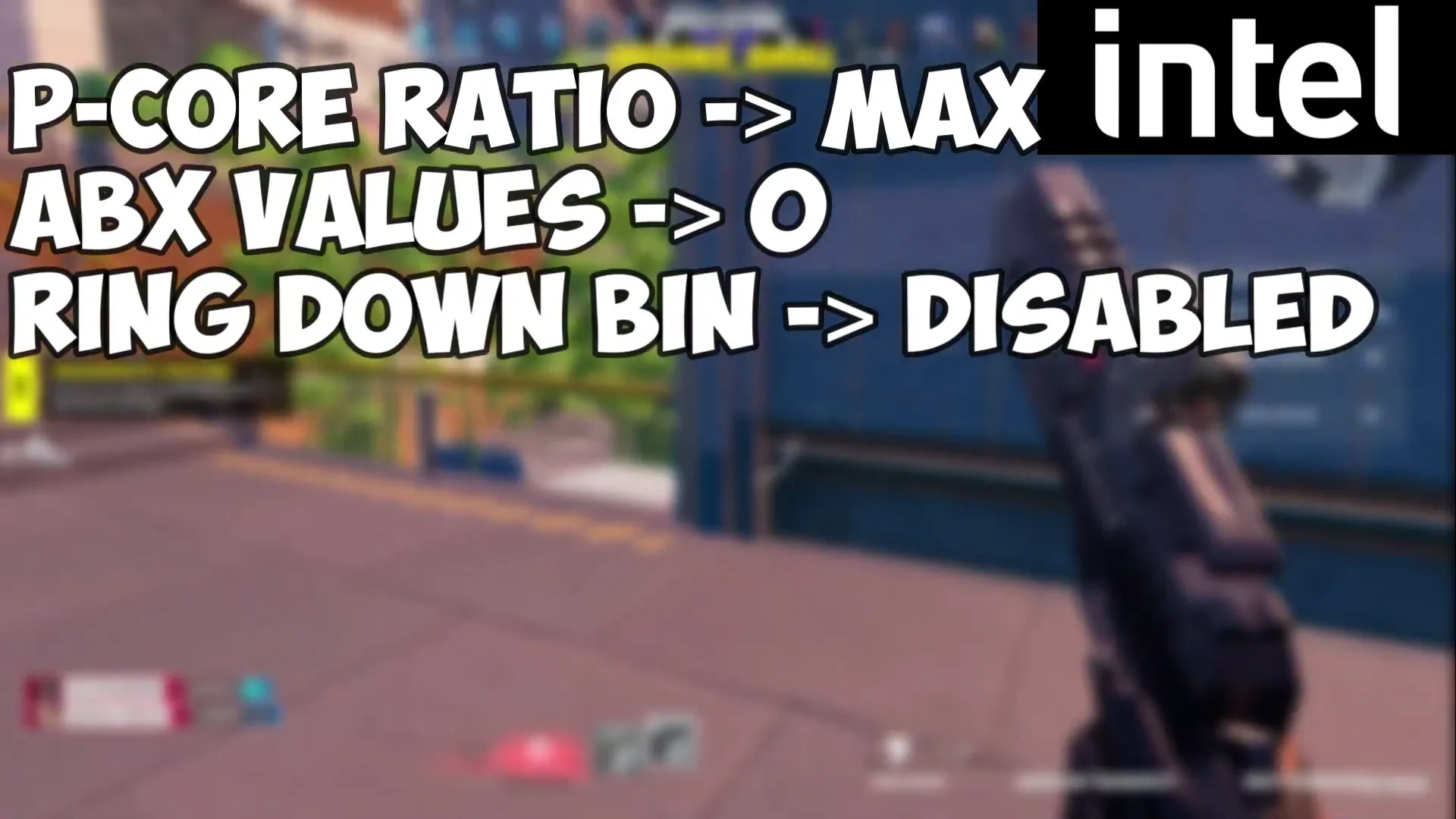
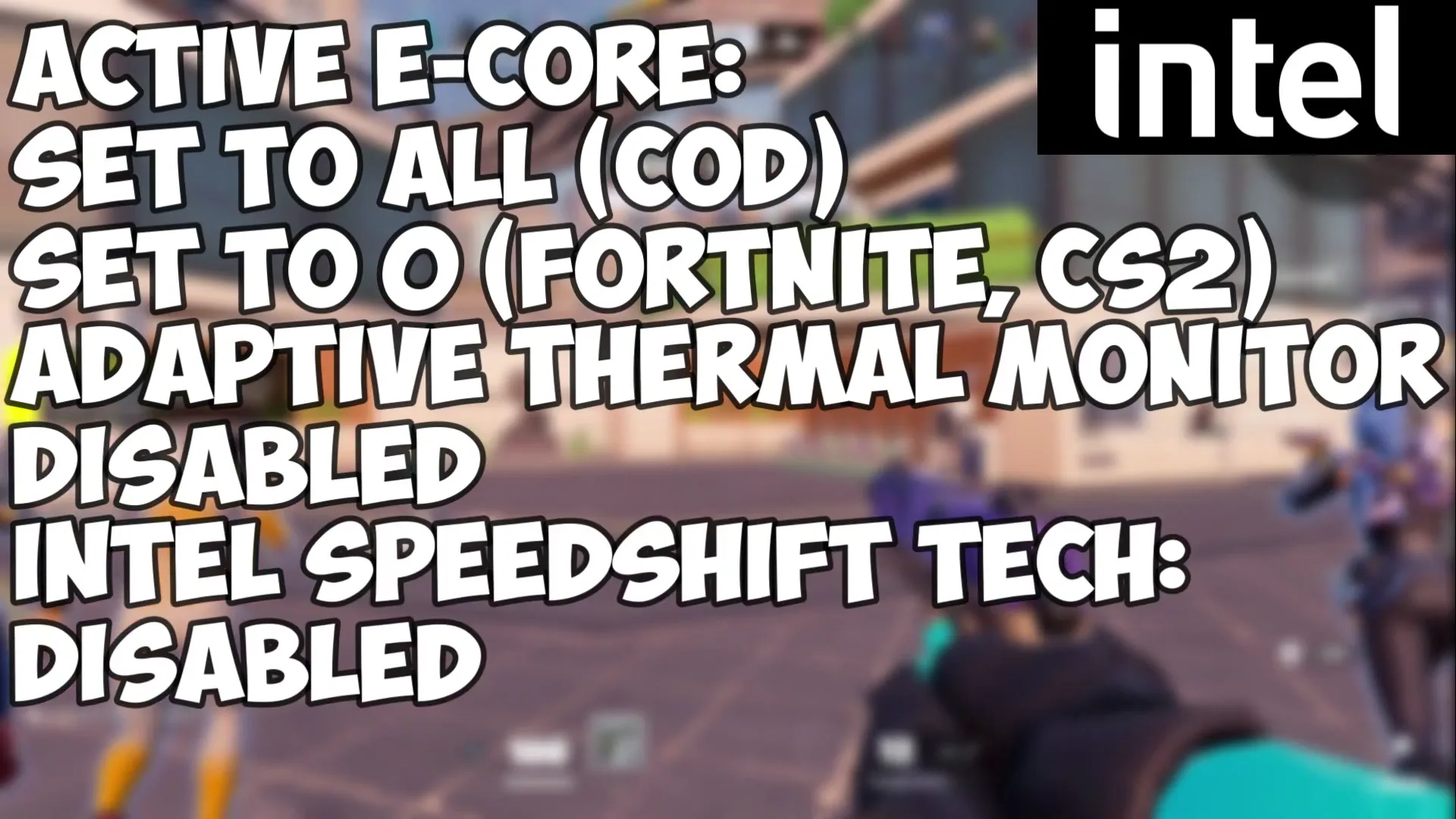
Hyper-Threading goes off for games like Fortnite and VALORANT. If you also edit video or do productivity work on the same PC, keep it on. Active E-Cores depends on the game: All for Call of Duty and similar games, 0 for CPU-heavy games like Fortnite and CS2.
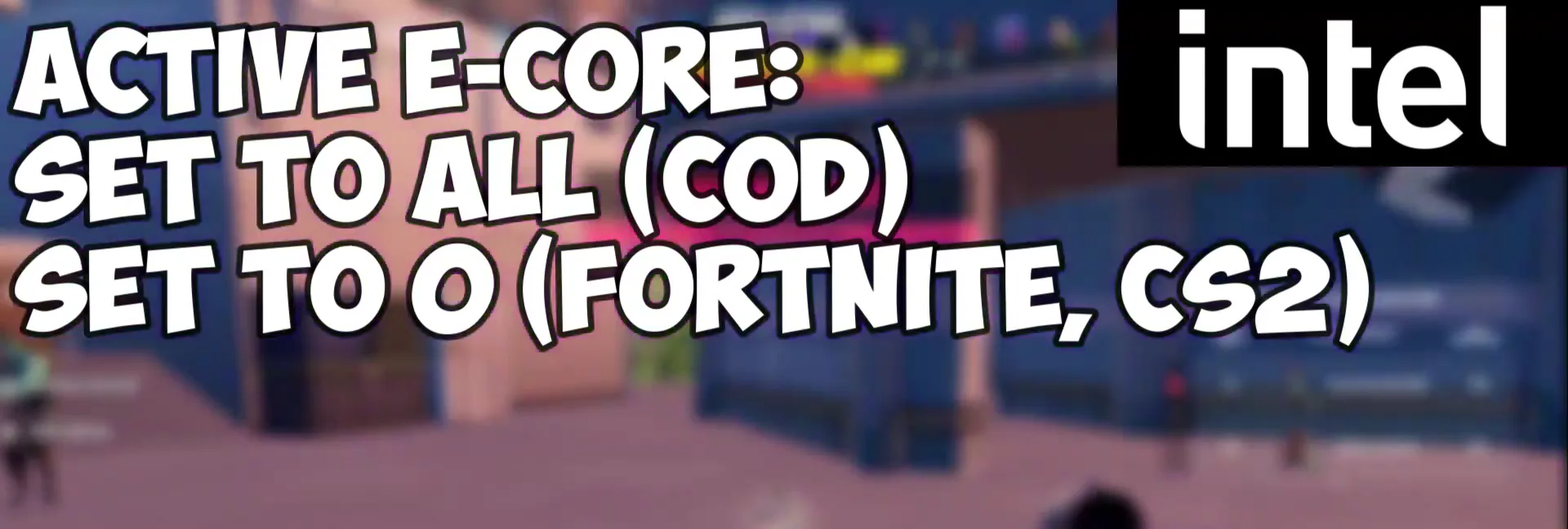
Only newer Intel CPUs have E-cores. If you do not see the option, skip it.
Disable Adaptive Thermal Monitor and Intel Speed Shift Technology. Disable the CPU features you do not need: Intel Virtualization Tech, Intel BTD Tech, AES Instructions and CFG Lock. Finally disable C-States and any other power saving feature you find.

Careful
Disabling the thermal monitor removes a protection that slows the CPU when it gets hot. Watch your temperatures. Virtualization Tech and BTD matter if you use virtual machines or certain security features.
How to check it worked
- Re-enter the BIOS after saving and confirm each value stayed set. Boards sometimes revert options after a failed boot.
- In Windows, open Task Manager, then Performance, then Memory: the speed should match your RAM's rated speed if XMP or DOCP is on.
- Play your usual game for a while and watch temperatures and stability. If the PC crashes or will not start, use the undo below.
- Compare FPS and input lag in a game before and after, with the same settings. The video claims BIOS tweaks can matter a lot, but gains vary by PC, so judge on your own numbers.
How to undo it
If anything goes wrong, unplug every cable, take out the CMOS battery for 3 to 5 minutes, put it back and start the PC. All BIOS settings are reset, the quickest way to revert everything.
Key settings at a glance
FAQ
What are hidden BIOS settings?
Options that exist in the motherboard firmware but are not shown in its menu. The video changes them from Windows with the SCEWIN tool, wrapped in the amd.bat and intel.bat files.
Can I use the BIOS tweaks batch files on a laptop?
The video says you could, but advises against it: if something goes wrong there is not really a way to reset the BIOS on a laptop. The folder itself contains a file called "ONLY USE ON DESKTOPS".
How do I reset the BIOS if my PC will not boot?
Unplug everything, including the power cable, take out the CMOS battery for 3 to 5 minutes, put it back and start the PC. Some newer boards have a Clear CMOS button for the same result.
Should I turn Hyper-Threading off on Intel?
For games such as Fortnite and VALORANT the video turns it off. If you edit videos or do other productivity work on the PC, keep it enabled.
Which AMD BIOS settings does the video change?
XMP or DOCP on, Precision Boost Overdrive Advanced with a +200 boost clock override, SVM, NX (not on AM5), PSS and Spread Spectrum off, C-states and idle power control off, Resize BAR on and PCI-E Gen 3.
Will BIOS tweaks raise my FPS?
They can help, mostly through memory speed, boost behavior and fewer power saving dips. The effect is typically small and depends on your hardware, so measure before and after. For a longer explanation, see our hidden BIOS settings guide.
 RIP Tweaks
Do it in a few minutes with RIP Tweaks
- Free plan for Windows 10 and 11
- A backup first, and every tweak can be switched off again
- Made for higher FPS, lower input lag and steadier ping
Free · Windows 10 and 11