
Free Voice Changer and Soundboard Pranks for Gamers (EaseUS VoiceWave, 2026)

Written version of our video, every step checked against it.
Quick answer
- Download EaseUS VoiceWave with the first link in the video description and install it: the free download works on a Windows PC.
- Click any AI voice on the home page, wait for it to download and talk: the video tries a celebrity, a YouTuber, game characters and a chipmunk.
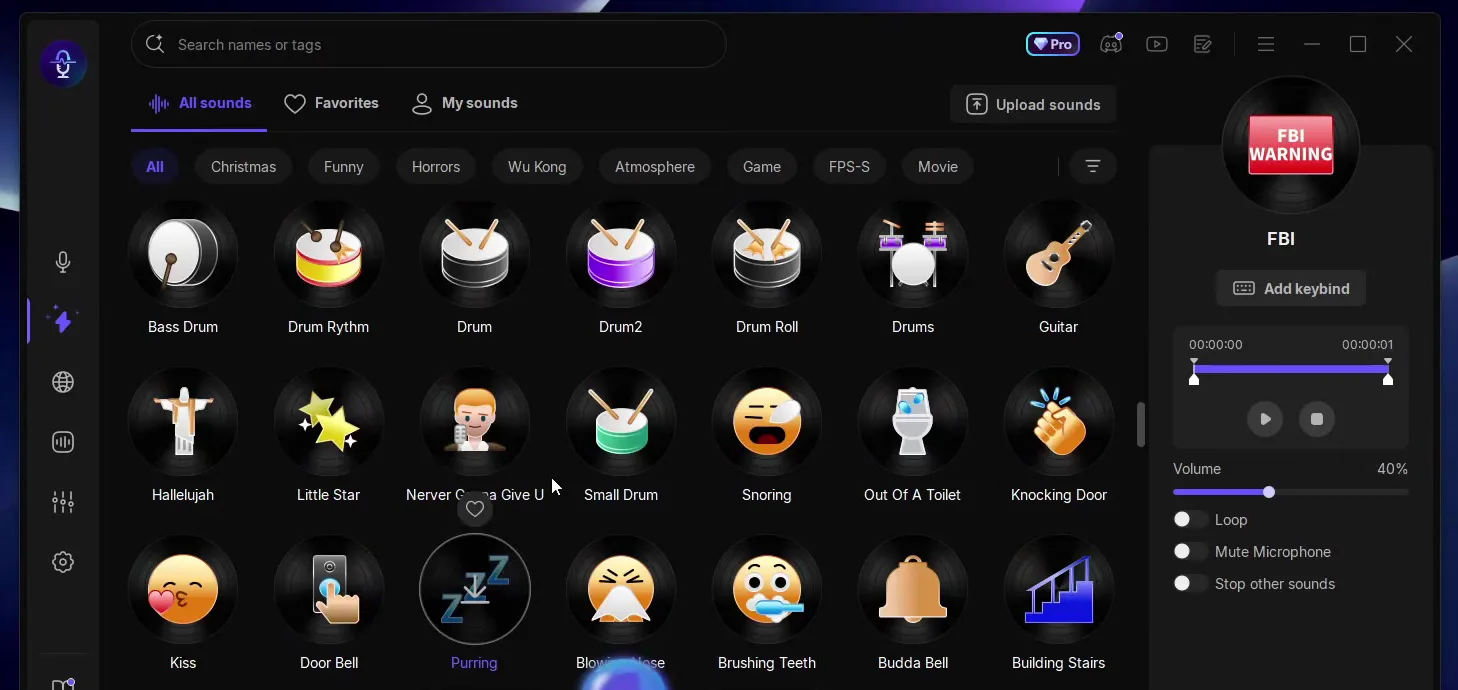
- Open the soundboard in the left sidebar and click a sound, such as the Airhorn or FBI, to prank friends.
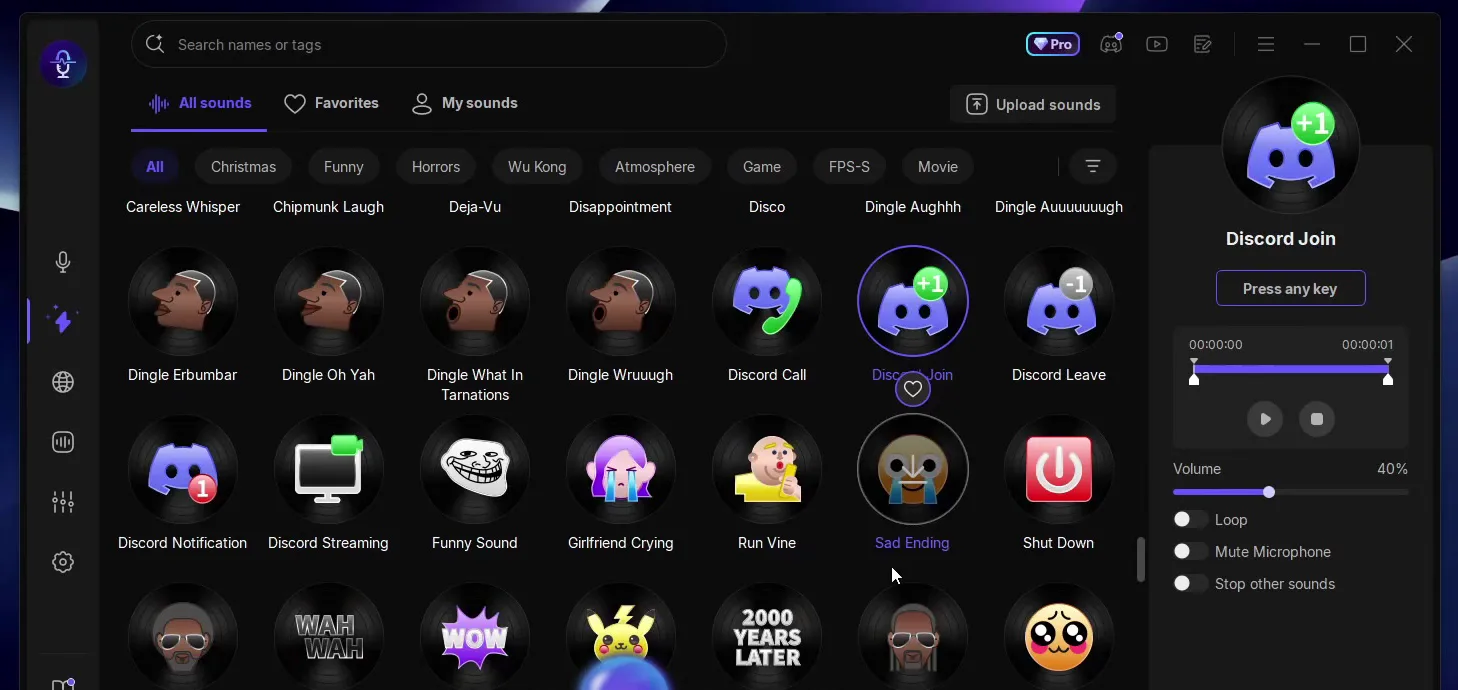
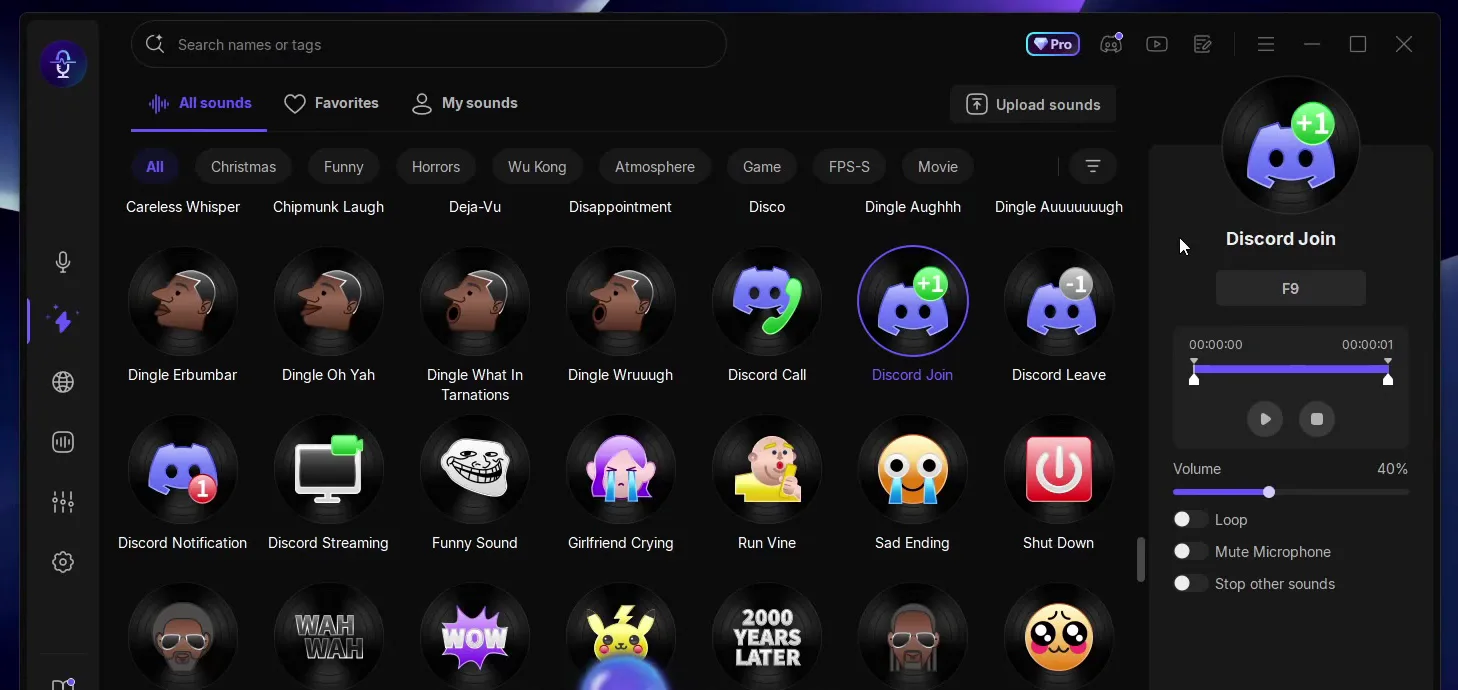
- Select the Discord Join sound, click Add keybind and press F9: every press plays it.
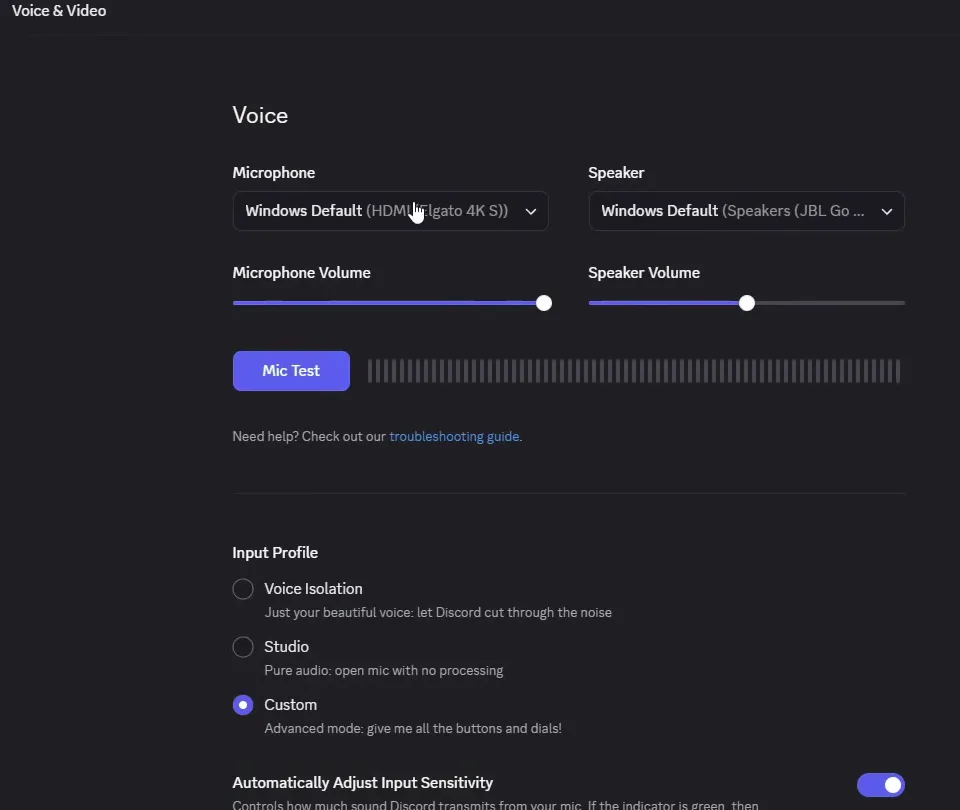
- In Discord, open Settings, then Voice & Video, and select the VoiceWave microphone in the microphone section.
This guide is for gamers, streamers and anyone who wants to change their voice on PC and prank friends with one key press. It follows our video step by step: install EaseUS VoiceWave, browse the AI voices and the presets, play soundboard sounds, put the Discord join sound on a key and make Discord use the changed voice. In the video it works in Discord, TeamSpeak, OBS and Streamlabs, and in every game that has voice chat.
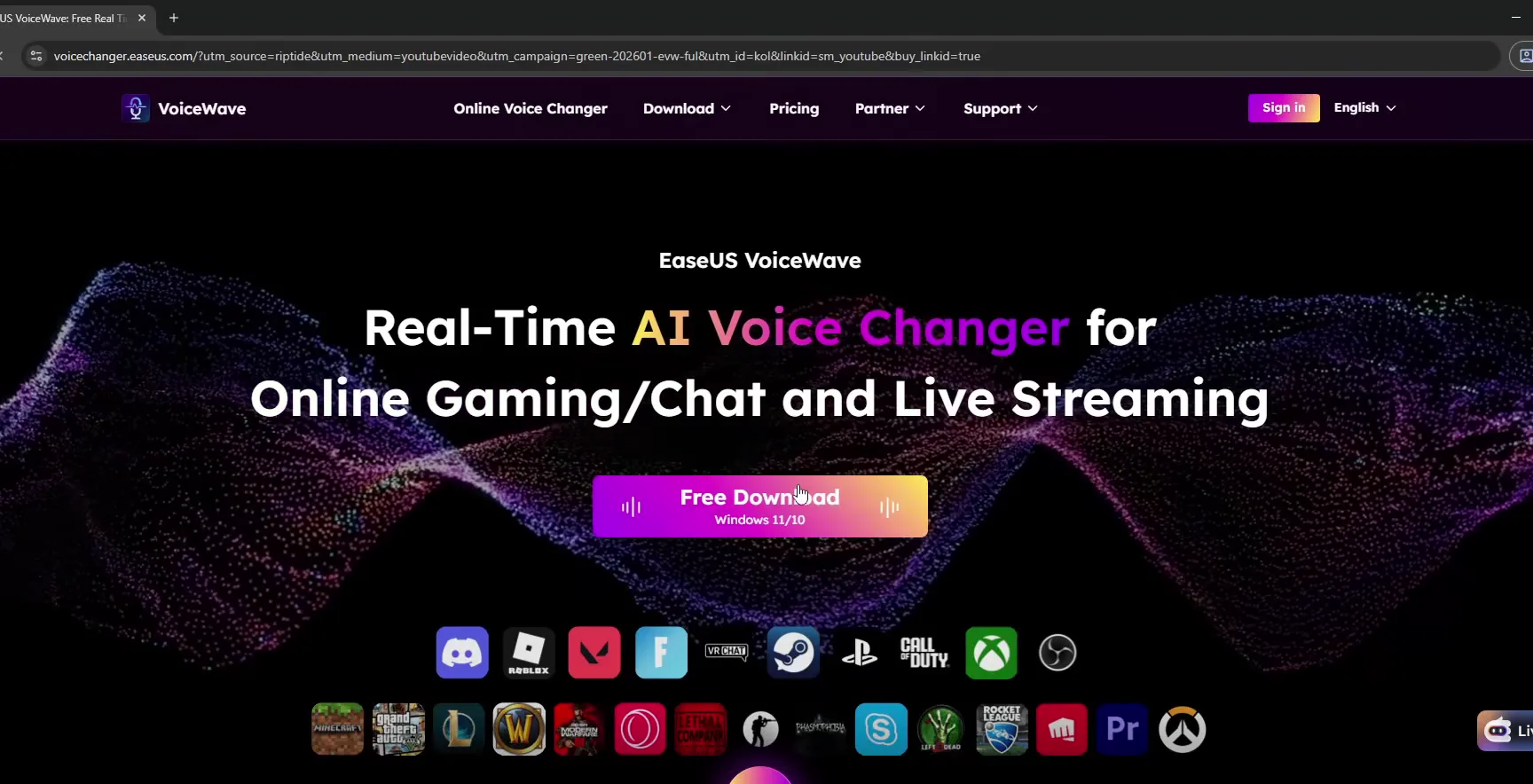
Click the first link in the video description. It opens the EaseUS VoiceWave page, where you click the big Free Download button (the label under it says Windows 11/10). Save the file when the browser asks.
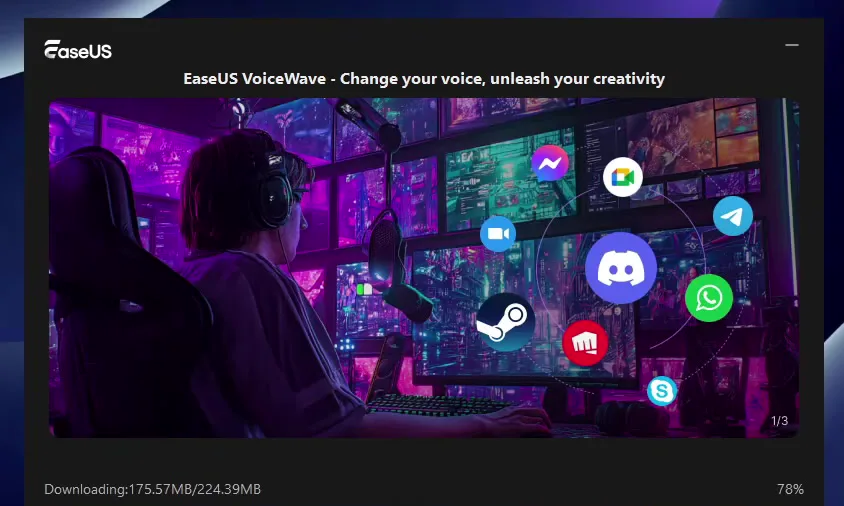
Double-click the file you saved, click the Install button and wait. The installer downloads the rest of the app, so give it a few seconds and let it finish. In the video it showed about 224 MB to download.
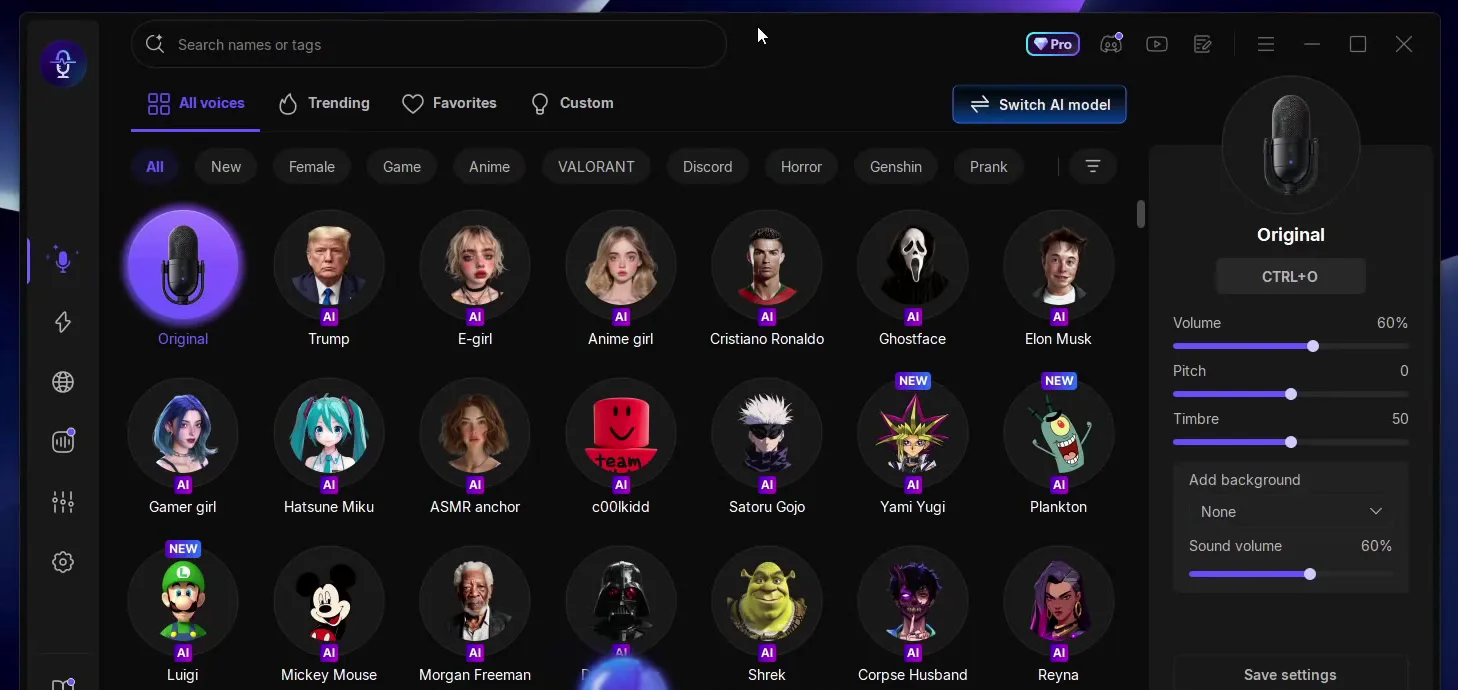
When it is done the app opens on its home page. All voices are listed in rows, Original (your own voice) is first, and the settings of the selected voice are on the right.
Good to know
Always take the installer from the link in the video description, which leads to the official VoiceWave site, and not from other download sites.
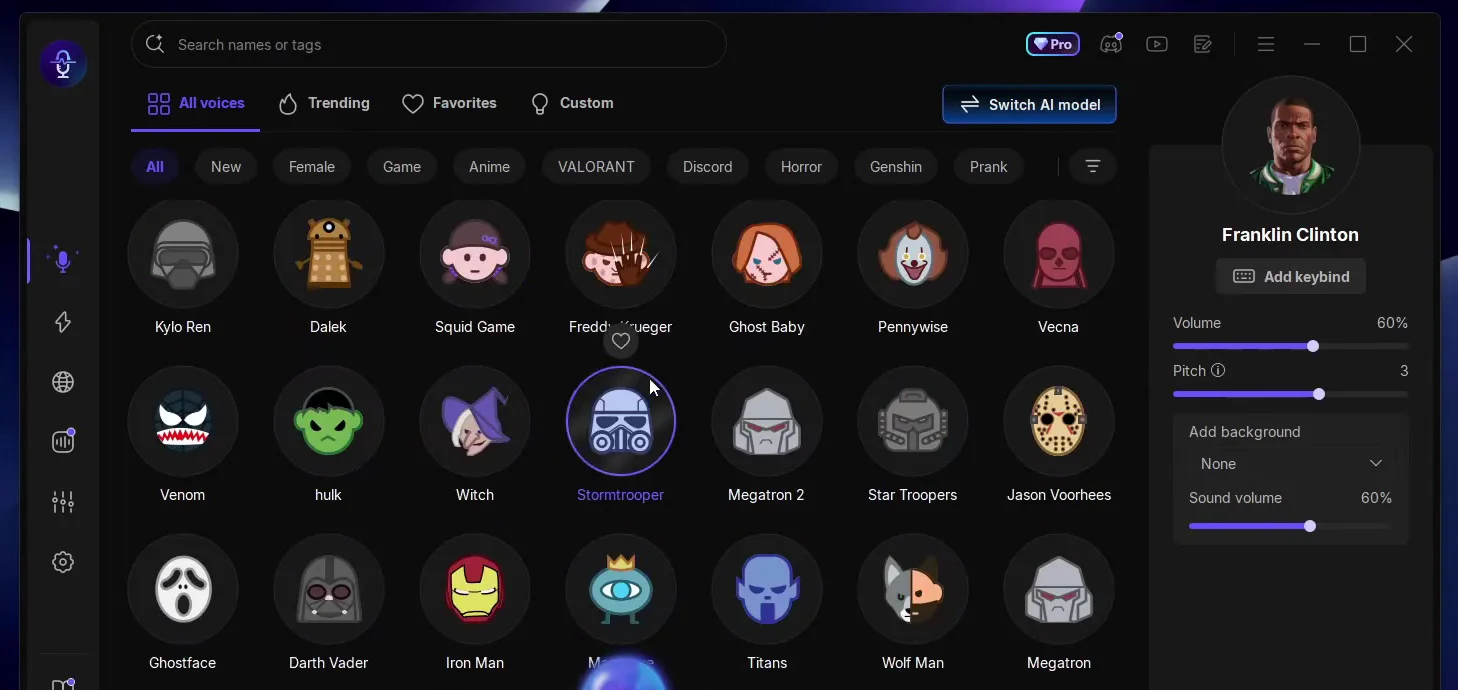
Click an AI voice and wait: the first time you pick it, it downloads, and after that one click swaps your voice. The video goes through celebrities, a horror movie character, a famous YouTuber, a cartoon sponge and characters from Roblox, TF2, Five Nights at Freddy's and GTA. When a voice is selected, the panel on the right shows its Volume and Pitch and an Add keybind button.
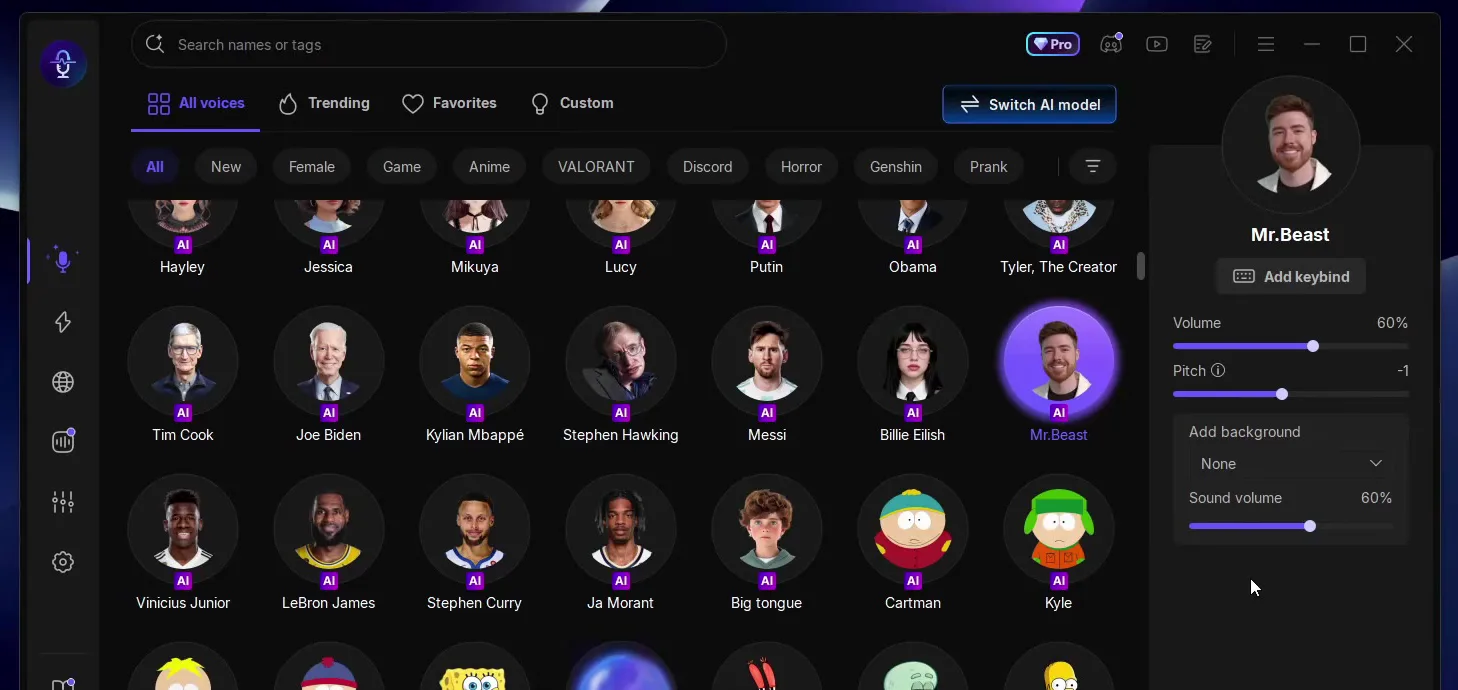
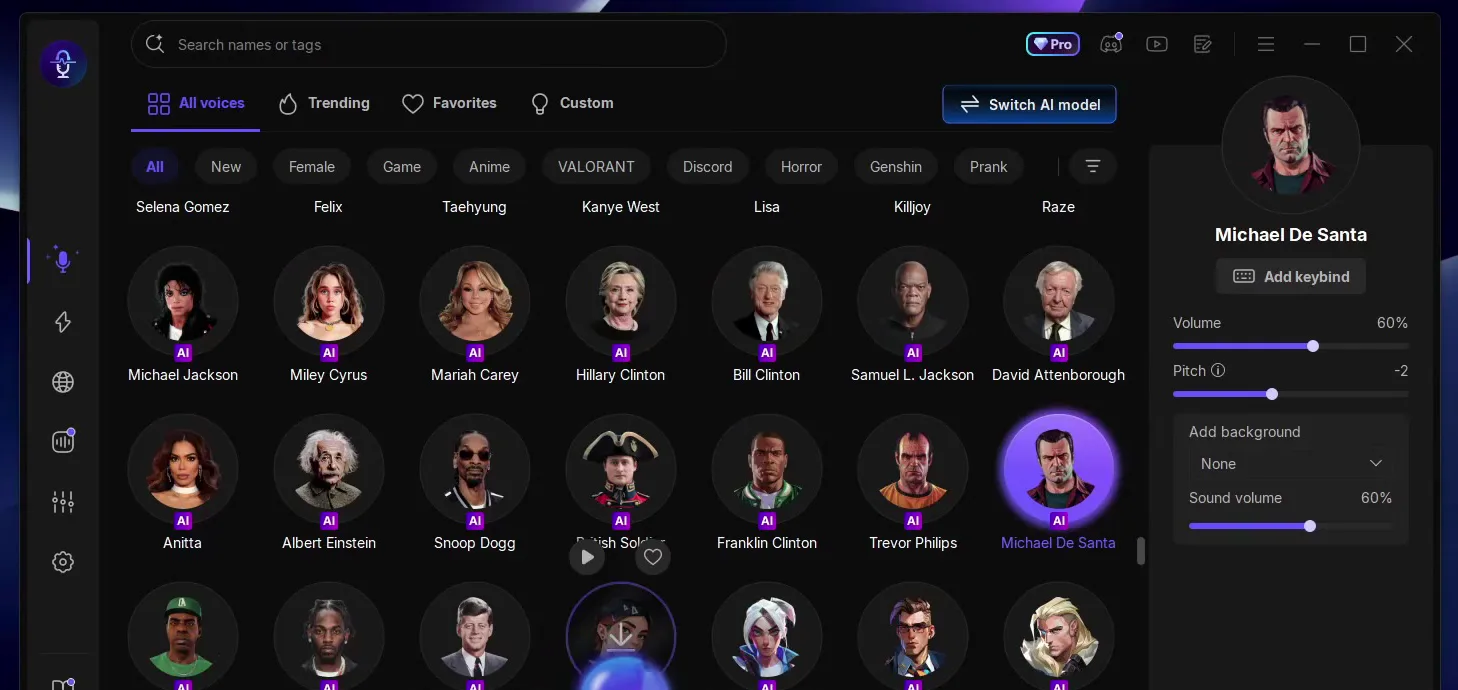
There are also preset voices you can use right away, like a chipmunk, and the video shows a Santa Claus voice too.
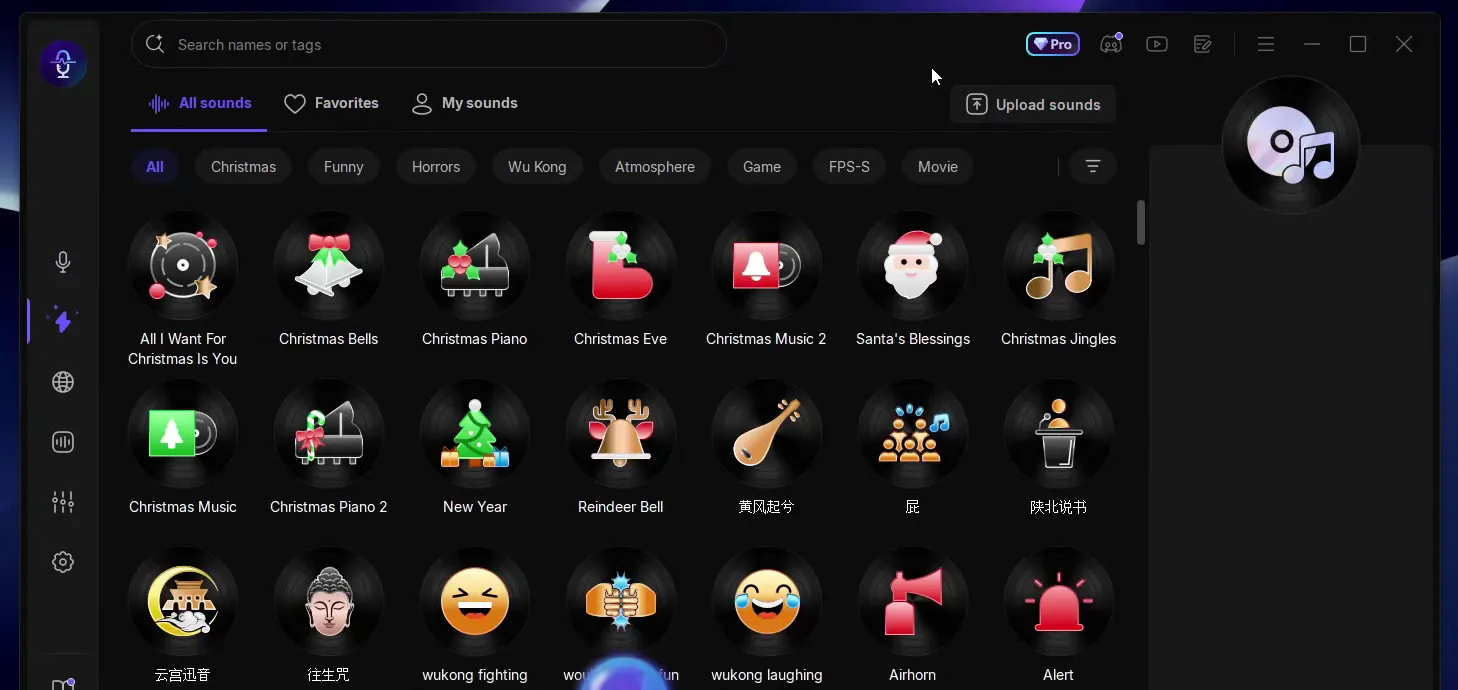
The video points out that April Fools is coming, and the soundboard is the quickest prank. Open it from the left sidebar (the lightning icon) and you see All sounds with categories like Funny, Horrors, Game and FPS-S. Click a sound to download it, then play it. The video plays an air horn, a fast food jingle, an emotional damage sound, an FBI sound and a classic internet meme song.
Soundboard (left sidebar)All soundsAirhorn
Tip
If a friend talks slowly, play the "2000 years later" sound: the video does exactly that.
The funniest prank in the video: scroll the sounds to Discord Join (and Discord Leave next to it), click Add keybind, which turns into Press any key, and press F9. Now every press of F9 plays the sound, even while you play a game, so friends think someone keeps joining and leaving the call.
All soundsDiscord JoinAdd keybindF9
Careful
Use a key your game does not use. A key that also does something in your game will fire the sound each time you press it in a match.
To make Discord send the changed voice and the sounds, open Discord, go to Settings, scroll down to Voice & Video and, in the Microphone section, select the VoiceWave microphone. Keep VoiceWave open while you talk.
DiscordSettingsVoice & VideoMicrophoneVoiceWave microphone
How to check it worked
- With a voice selected, click Mic Test on the same Discord page and talk. If you hear the changed voice, Discord gets it from VoiceWave.
- Join a call and ask a friend what they hear. If it is your normal voice, the Microphone drop-down still points at your real microphone.
- Press F9 during the call. Your friend should hear the Discord join sound.
How to undo it
To sound like yourself again, click Original in VoiceWave. To stop using it, pick your normal microphone again in Discord.
Key settings at a glance
FAQ
Is there a free voice changer for gamers?
The video uses EaseUS VoiceWave and starts from its Free Download button, so you can install it and try the voices and the soundboard yourself. The app shows a Pro badge, so check inside the app what your plan includes.
Does it work in Discord?
Yes. Open Discord, then Settings, then Voice & Video and select the VoiceWave microphone in the Microphone section. Our Discord and Fortnite voice changer guide shows that setup in more detail.
Which games and apps does it work with?
The video says it works in Discord, TeamSpeak, OBS and Streamlabs, and with every game that has voice chat. The website in the video shows icons of games and chat apps under the download button.
How do I play a soundboard sound with one key?
Select the sound, click Add keybind in its panel and press the key you want. In the video the Discord Join sound is on F9. More keybind setups are in our voice changer hotkey guide.
Can I be a girl or a game character?
Yes, the AI voices include game characters, and the Female filter sits above the voice list. For a step-by-step female voice setup, see our e-girl voice changer guide.
How do I go back to my own voice?
Click Original, the first voice on the home page. To stop using VoiceWave completely, pick your real microphone again in Discord.
Try EaseUS VoiceWave
EaseUS VoiceWave is the real-time voice changer used in the video. It works in Discord, games and streaming apps, and you can try it for free before you decide.
This article and the video are a paid partnership with EaseUS.