
Voice Changer Hotkey and Microphone Setup for Discord, Fortnite and Windows (EaseUS VoiceWave, 2026)

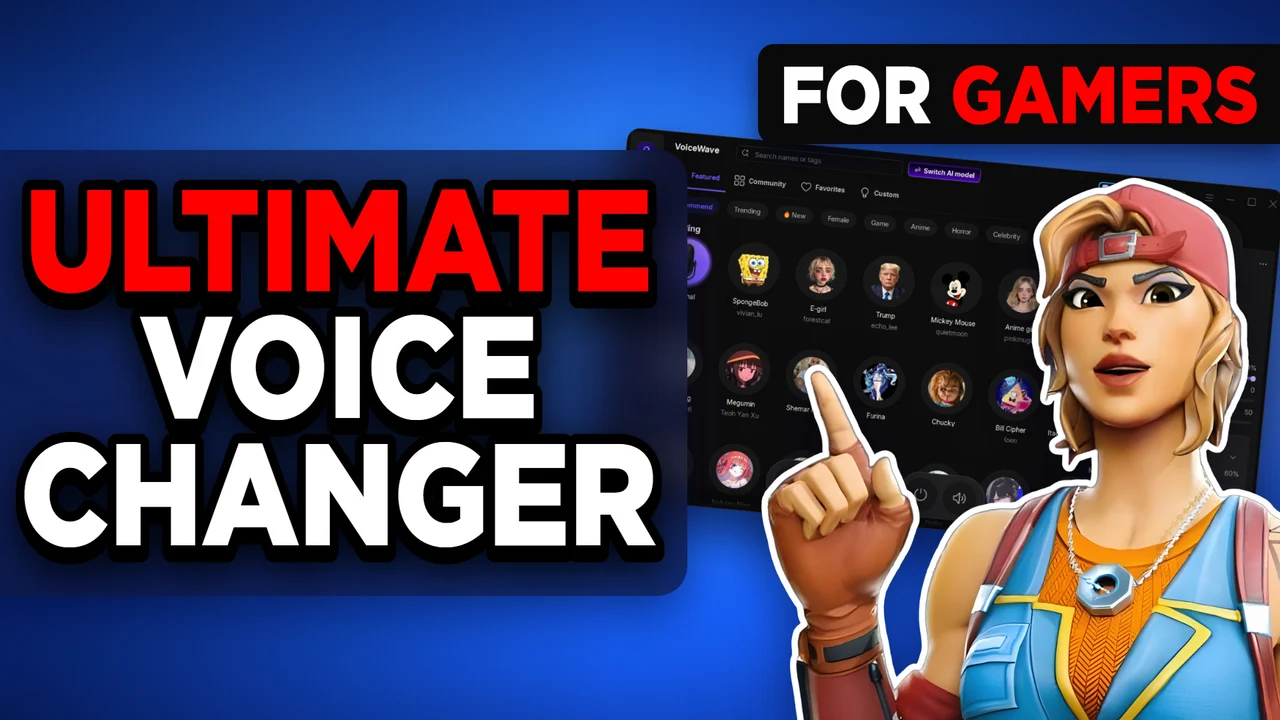
Written version of our video, every step checked against it.
Quick answer
- Install EaseUS VoiceWave from the first link in the video description and open the home screen.
- Click an AI voice, or a voice effect, and talk: the voice changes live while you speak.
- Select a soundboard sound, click Add keybind and press Ctrl + K: the sound plays anywhere on the desktop, even in a game.
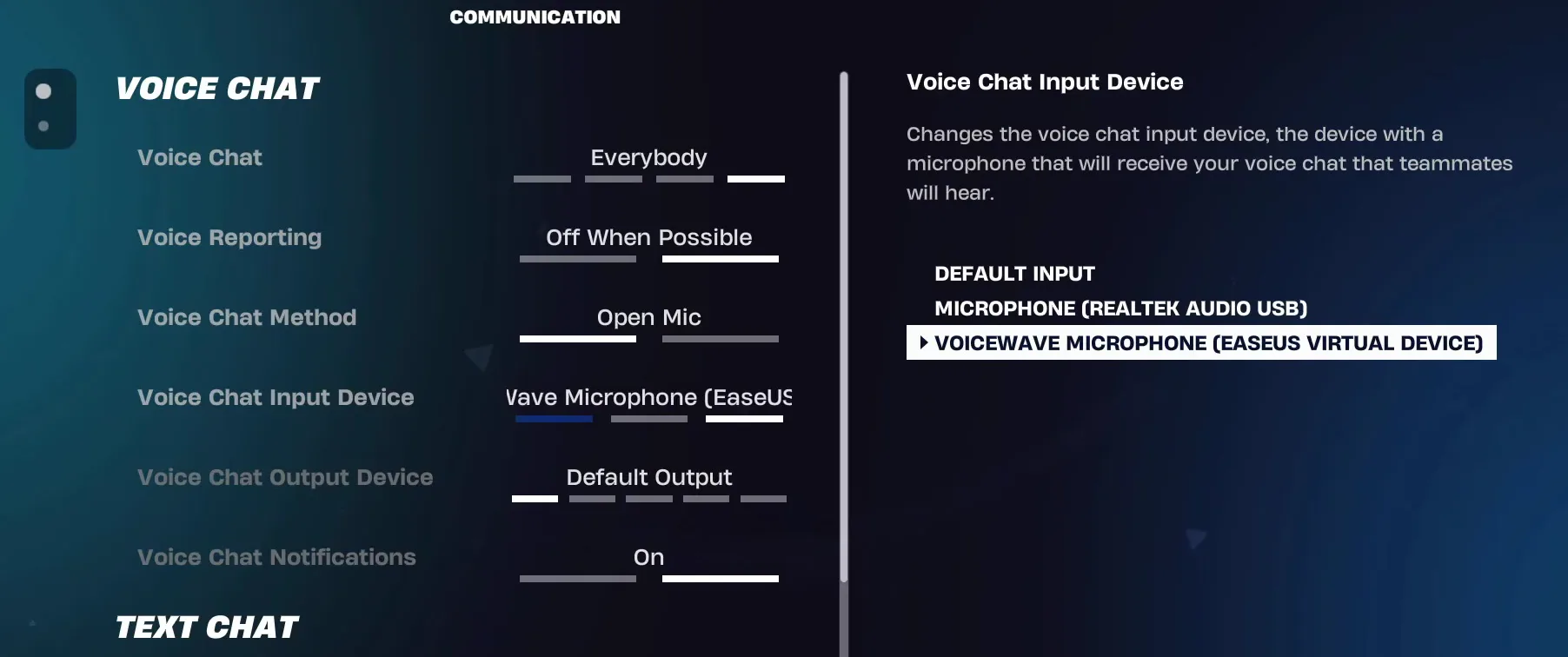
- In Discord choose VoiceWave Microphone (EaseUS Virtual Device) under Voice & Video, and in Fortnite under Voice Chat Input Device.
- For all other Windows apps, select the same VoiceWave Microphone under Input in the sound settings and set its volume to
100.
This guide is for anyone who wants one voice changer that works in every game with voice chat, plus a hotkey to play a sound without leaving the match. It follows our video click by click: download and install, AI voices and effects, the soundboard, the keybind, and the three places where you select the VoiceWave microphone: Discord, Fortnite and Windows.
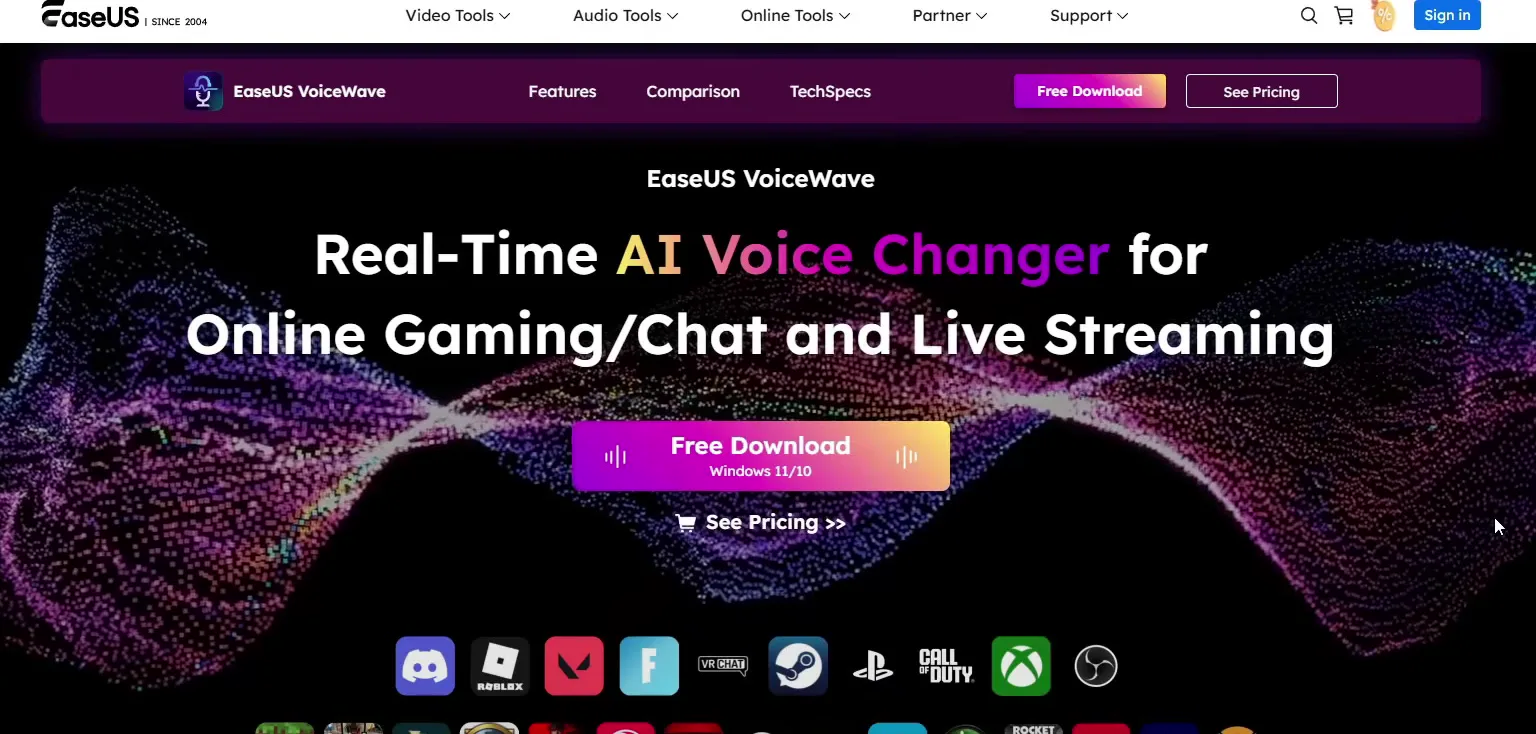
Open the first link in the video description. It leads to the EaseUS VoiceWave page, labelled for Windows 11 and 10. Click Free Download. The installer downloads on its own.
Good to know
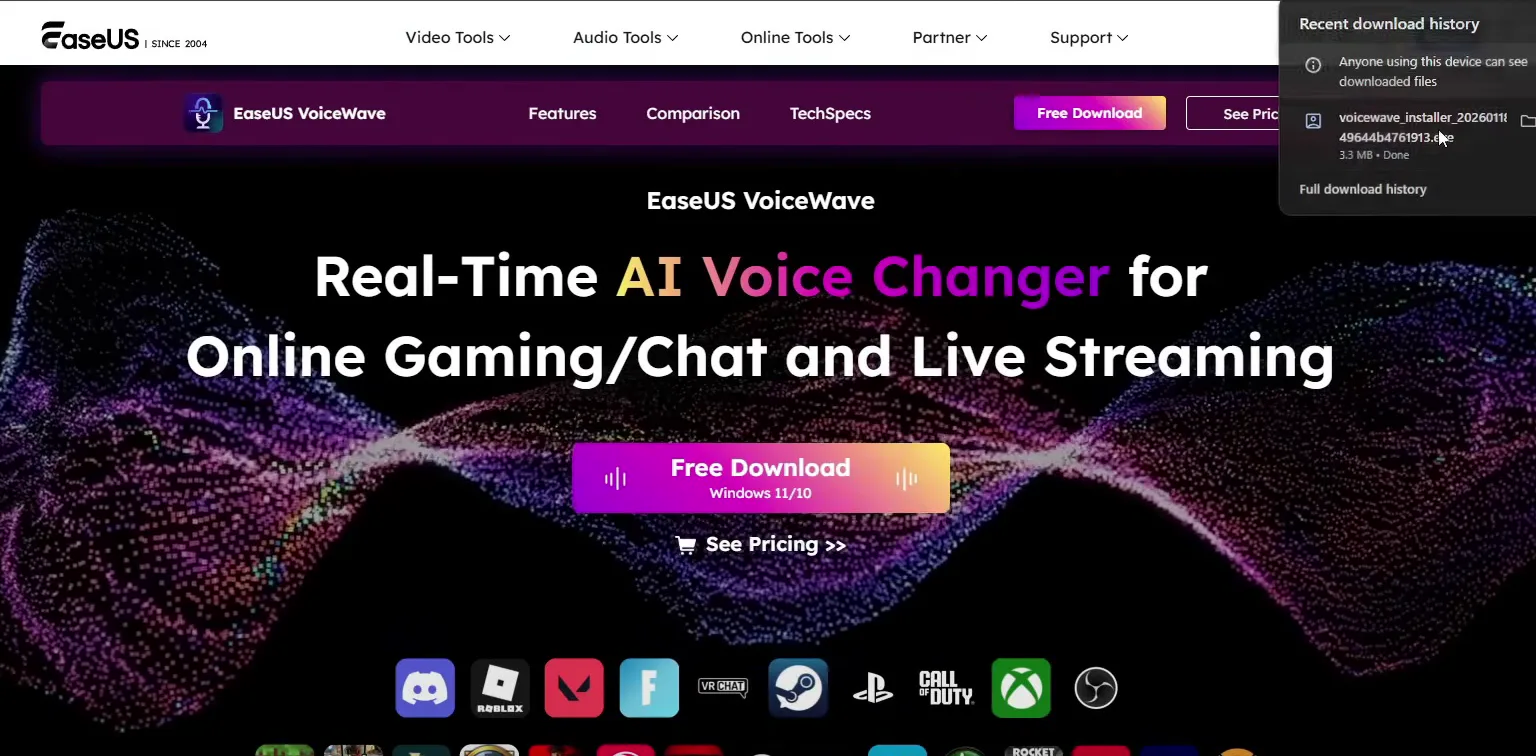
In the video the installer is a small file of about 3.3 MB. Get it from the link in the description, which opens the official EaseUS page, and not from third-party download sites.
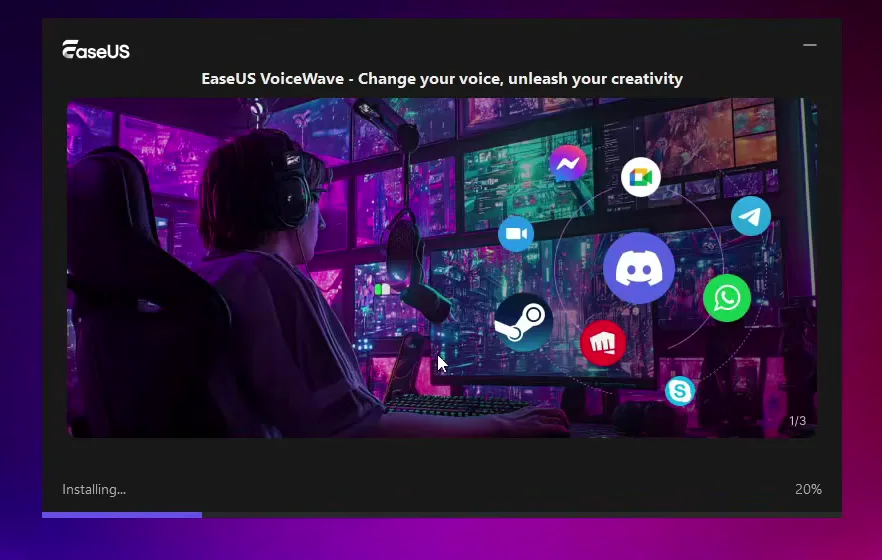
When the install is done, the home screen opens. The first voice, Original, is your normal voice: it is what everyone hears when no voice change is on. Click it any time to go back. The tabs at the top are All voices, Trending, Favorites and Custom, and filters such as Female, Game, Anime, Discord, Horror, FPS and Memes sit below them.
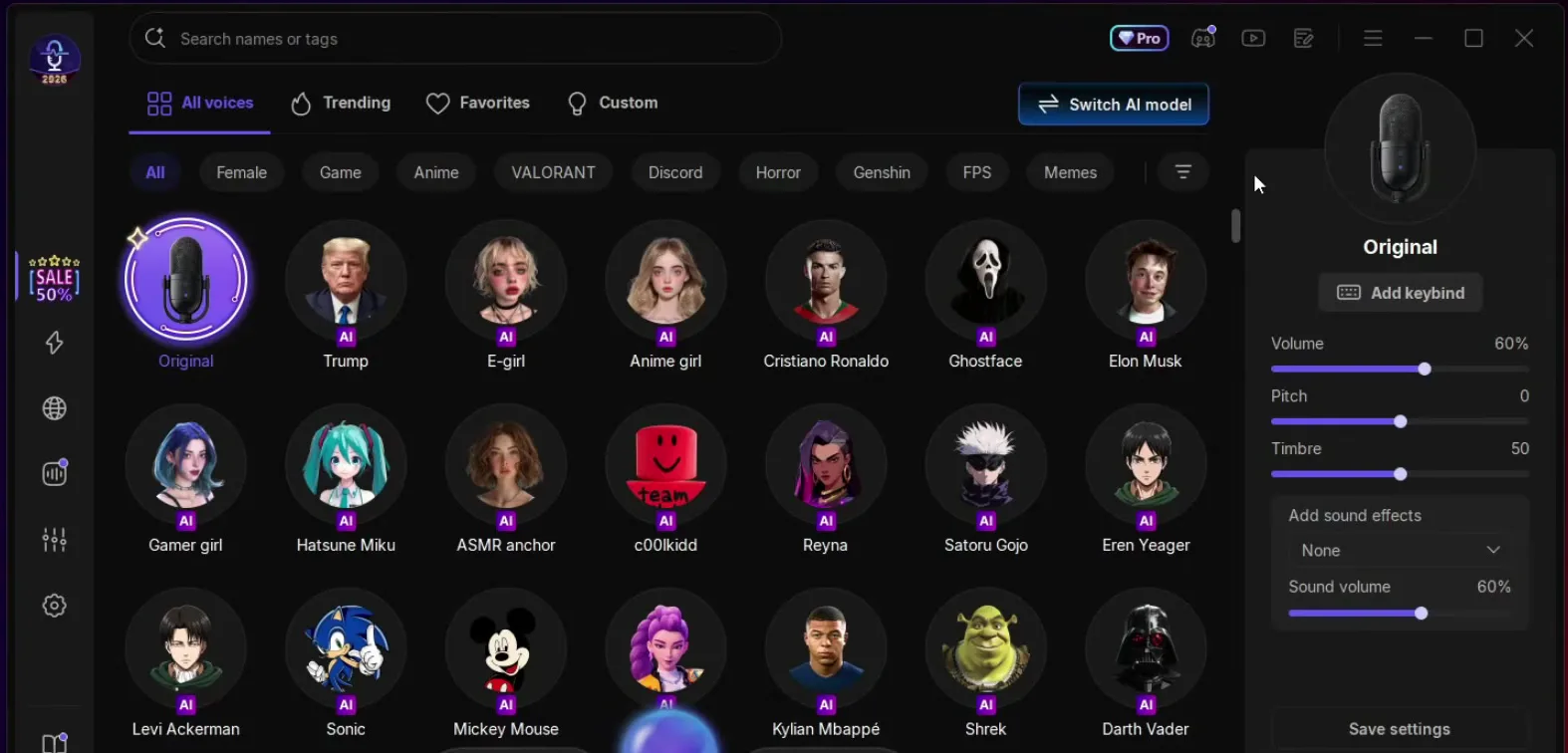
The custom AI voices are one of the best features. Click one and talk. The video tries Donald Trump and Cristiano Ronaldo, then names streamers, famous people, MrBeast, game characters, Goku, an old lady, Bart Simpson, Stewie and Peter Griffin, Spider-Man and a zombie from Minecraft. The list keeps going, so keep scrolling until you find yours.
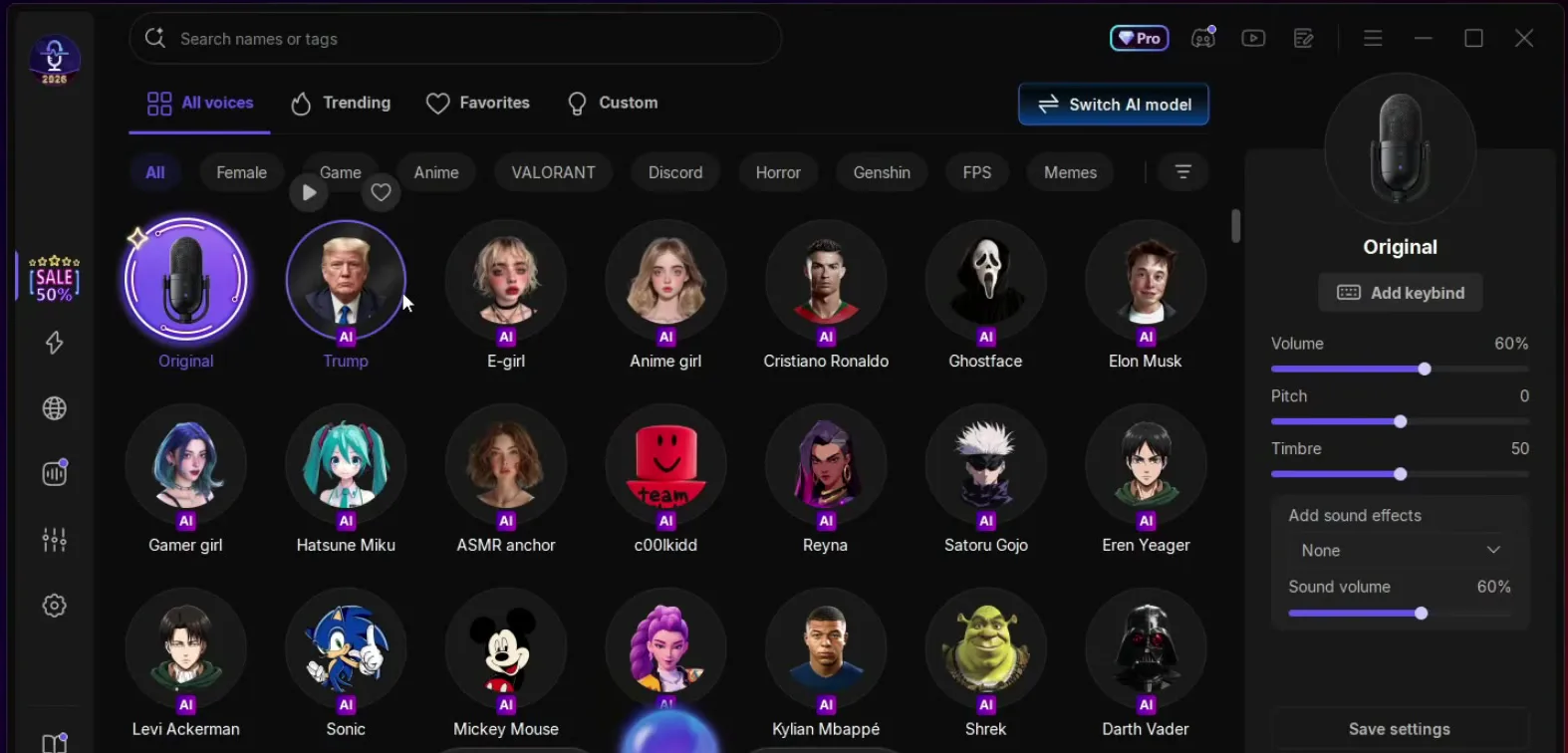
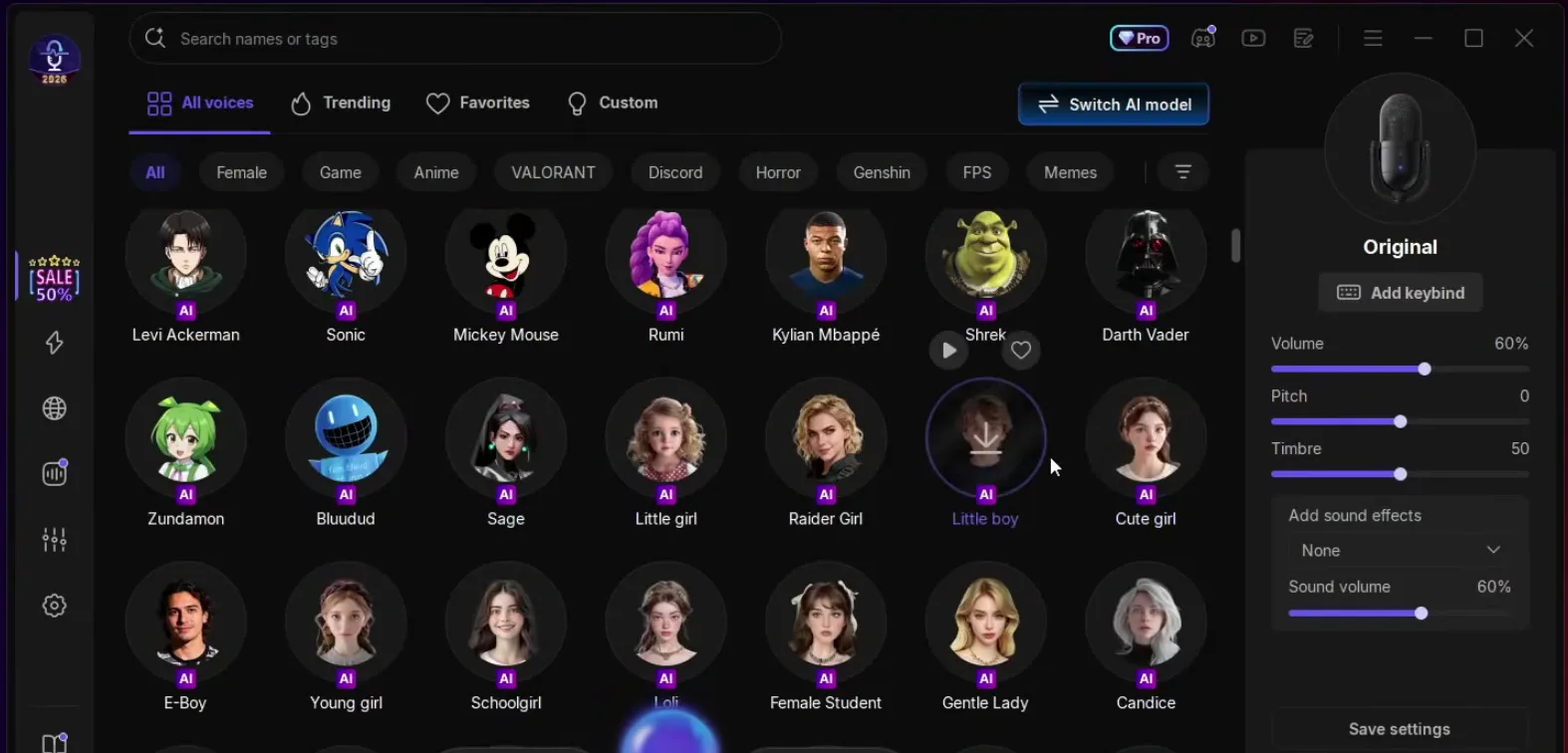
Want the girl voice specifically? Our e-girl voice changer guide goes through it step by step.
Besides characters you can change the type of your voice: a mature male voice, a girl voice, a weird robot, a counter terrorist, SpongeBob and more. The effects list on the left sidebar has reverb, helium, a martian voice, a DJ effect and others.
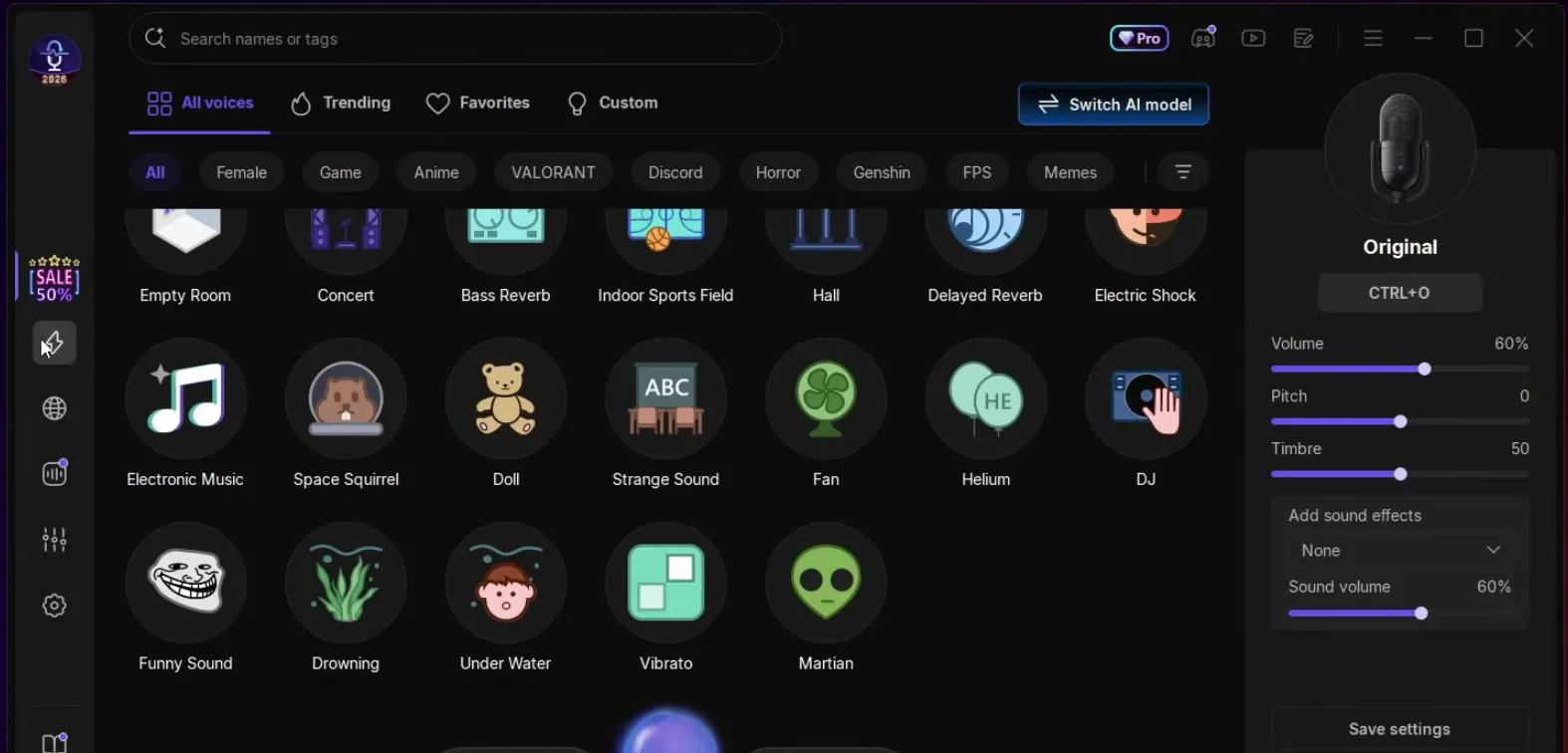
The soundboard is based on memes and famous soundboards that people really use. In the video it plays clapping, burping and the money sound, and the list is endless. Click a sound and everyone who hears your microphone hears it too. The video says to use it to troll your friends in a Discord call.
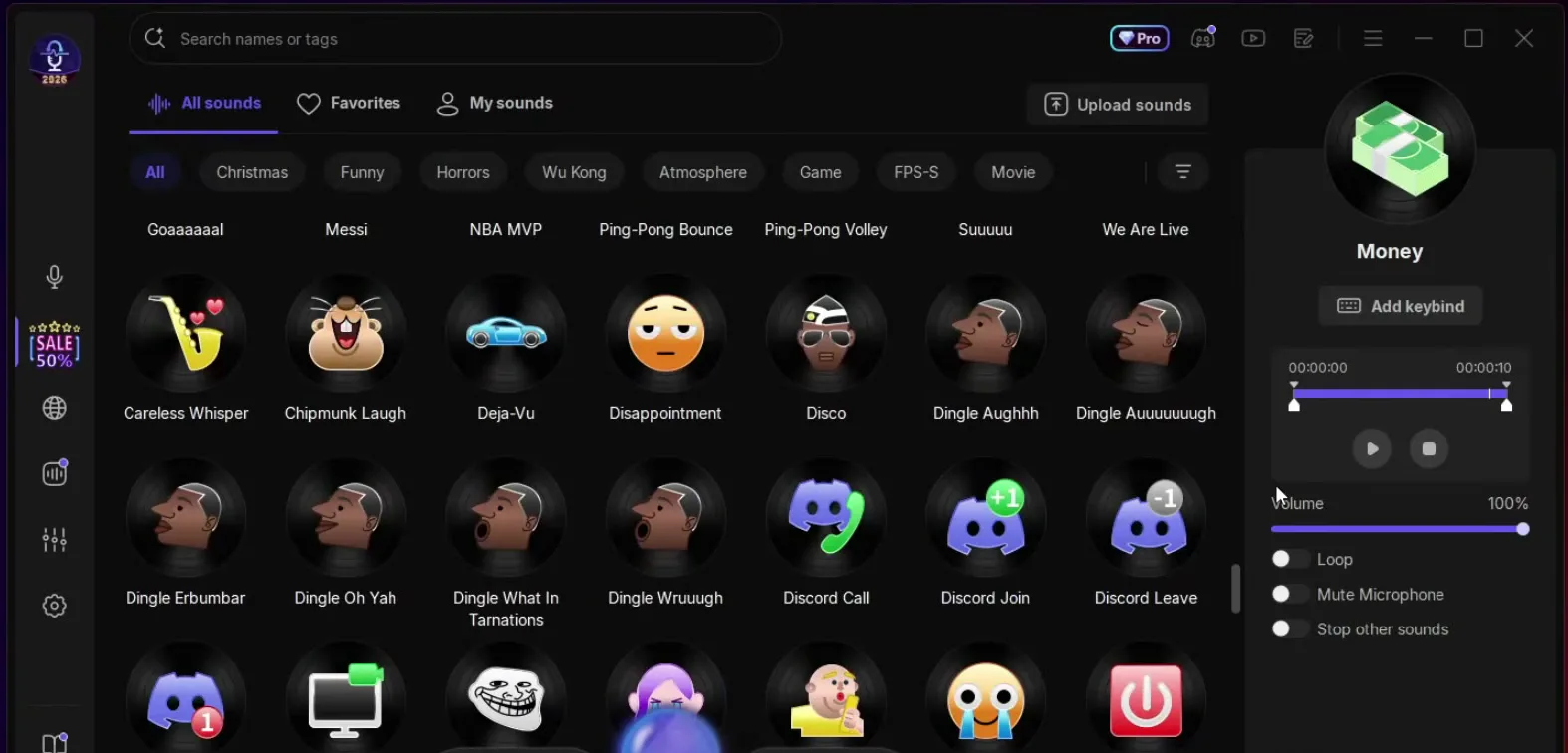
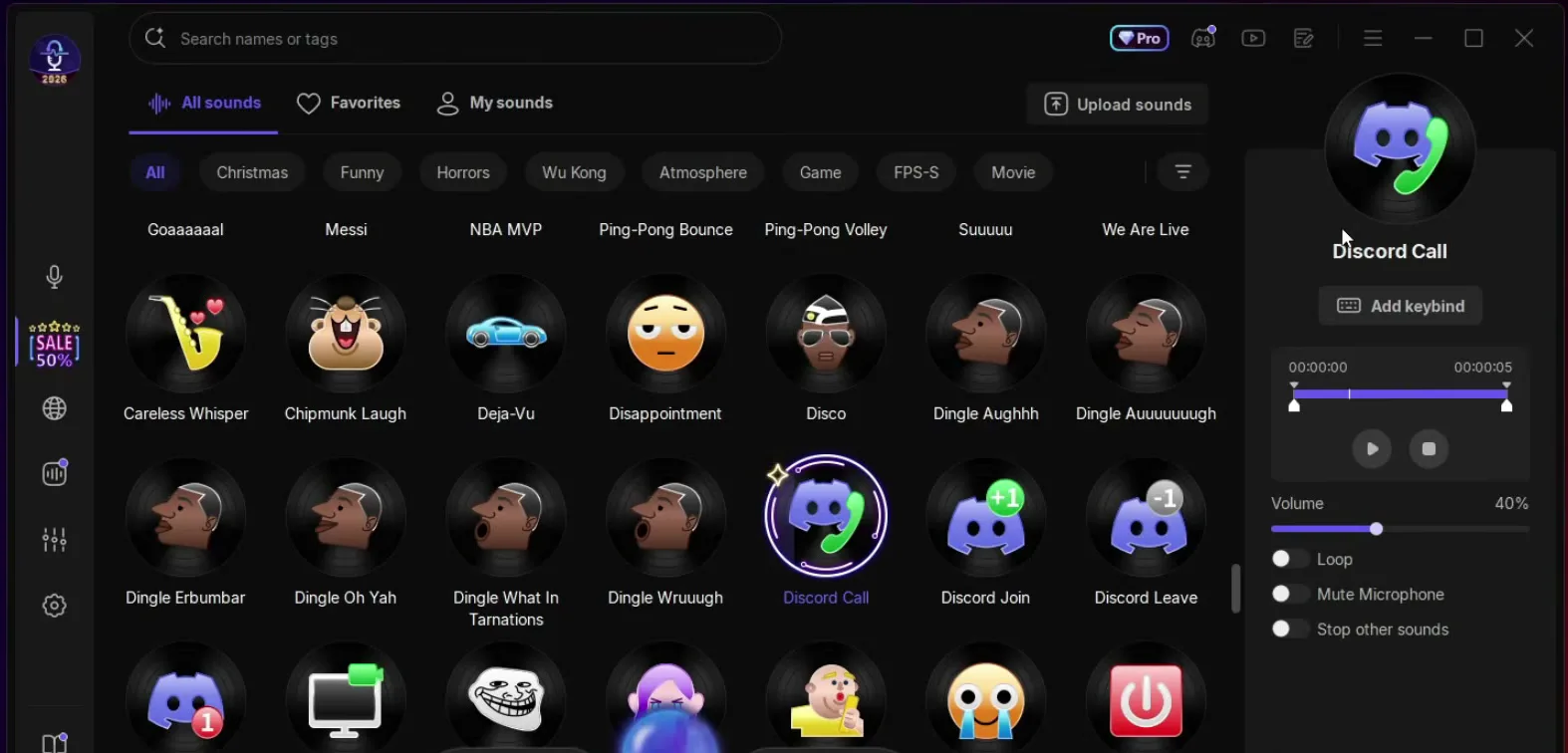
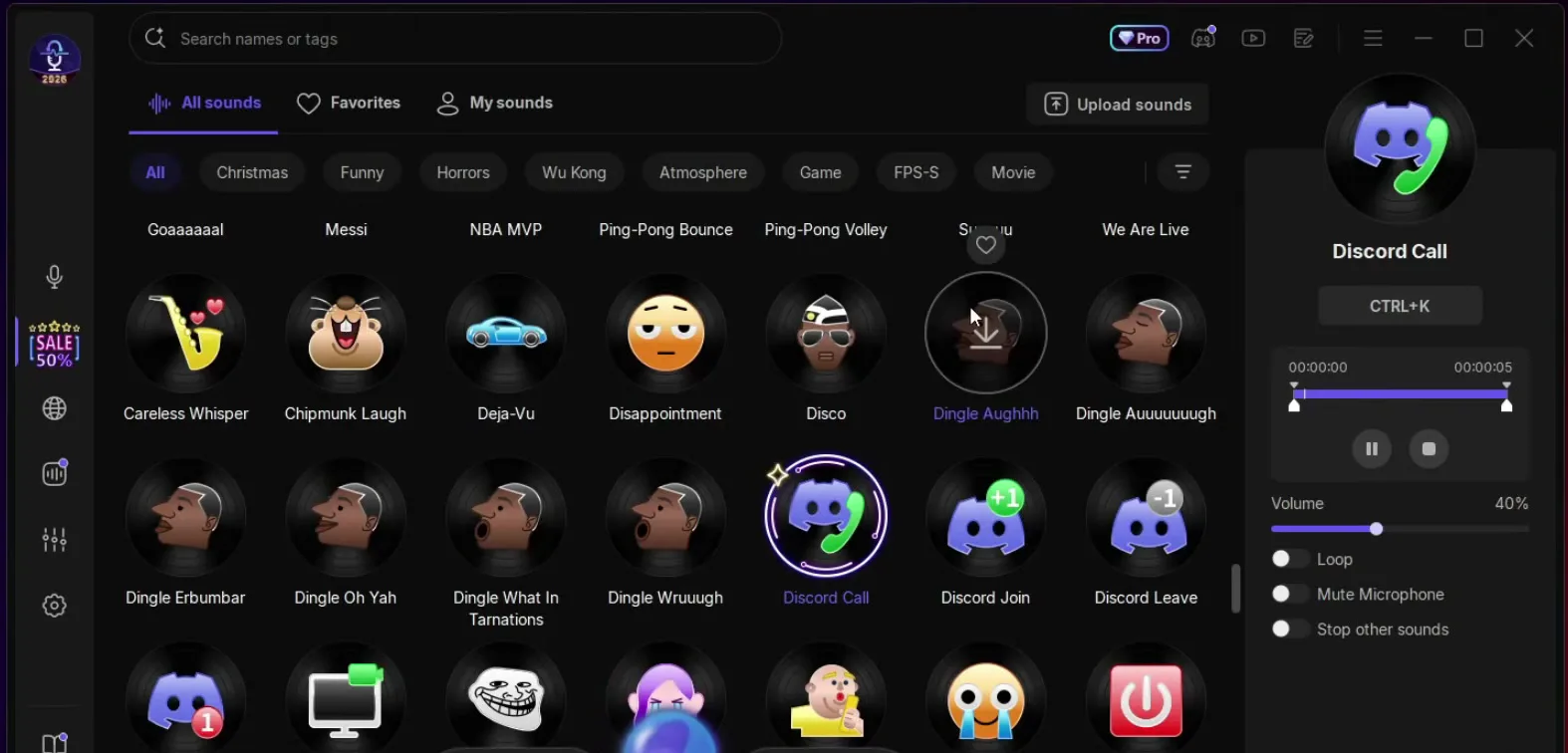
You do not have to be in the app to play a sound. Select the sound, click Add keybind and press the keys you want, in the video Ctrl + K. After that, anywhere on the desktop, even in a game, pressing the combination plays the sound, and your friends have no idea what is happening.
SoundboardDiscord CallAdd keybindCtrl + K
Tip
Pick a combination your game does not use. Ctrl + K works in the video, but a key you also press in a match would play the sound every time you press it.
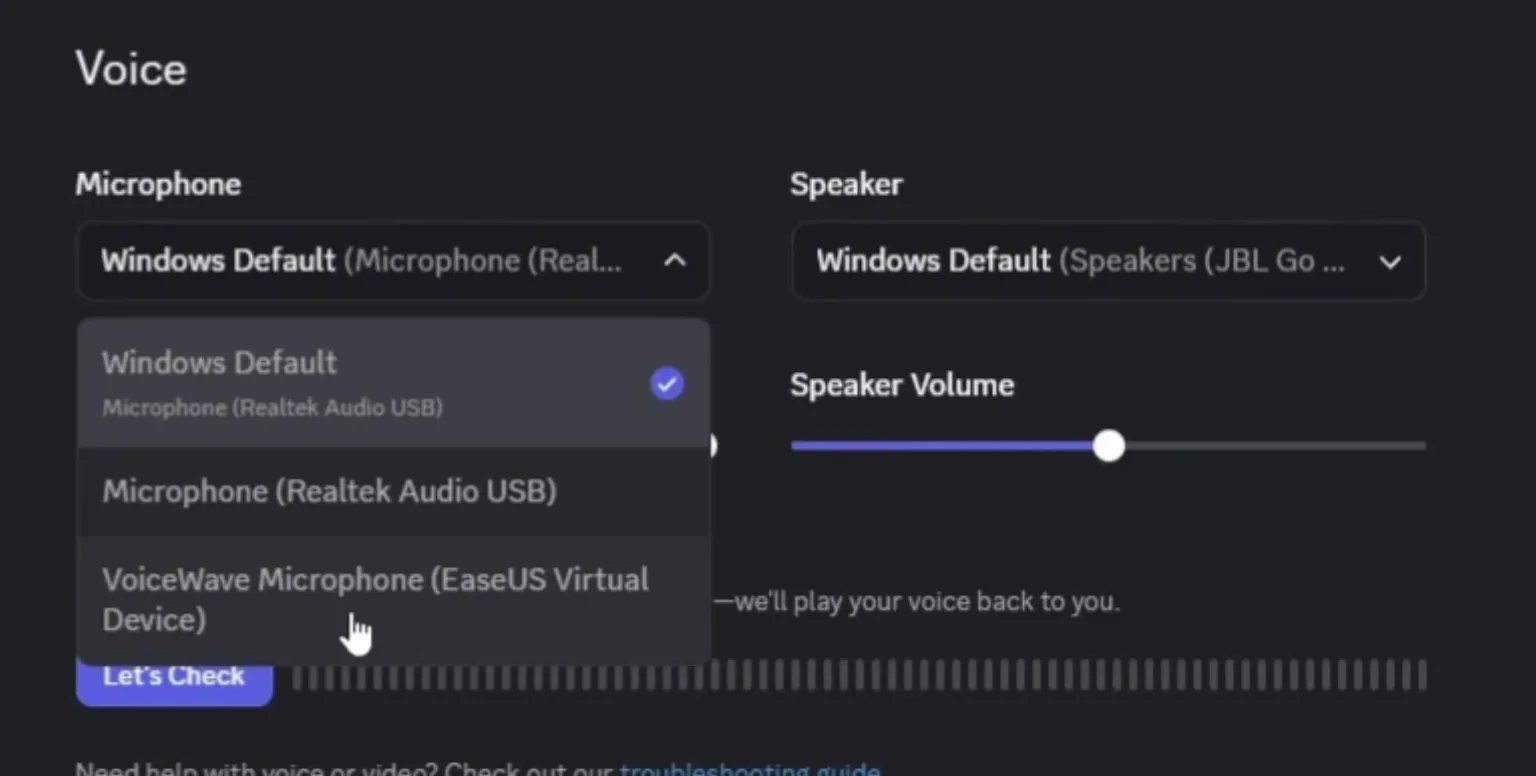
Open Discord, go to User Settings, scroll down to Voice & Video and open the Microphone list. Click VoiceWave Microphone (EaseUS Virtual Device). Then turn on an AI voice in VoiceWave and test it.
User SettingsVoice & VideoMicrophoneVoiceWave Microphone (EaseUS Virtual Device)
In Fortnite open the menu, click Settings and go to the voice chat settings. Scroll down to Voice Chat Input Device, choose VoiceWave Microphone (EaseUS Virtual Device) and click Apply. Other games with voice chat have the same kind of input device setting.
SettingsVoice ChatVoice Chat Input DeviceVoiceWave MicrophoneApply
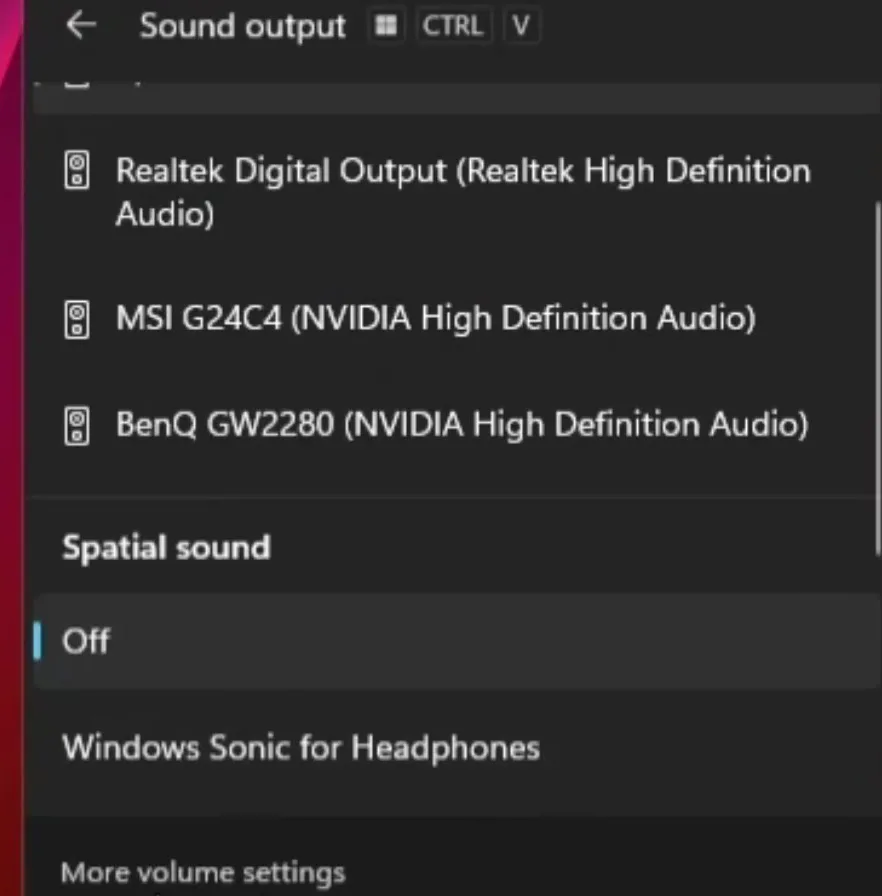
For every other Windows app, click the speaker icon in the taskbar, then the button next to the volume and More volume settings. In the Input section select the VoiceWave Microphone and set its volume to 100. Apps that use the default microphone now hear the changed voice.
Speaker iconMore volume settingsInputVoiceWave Microphone
Careful
If Discord or a game is set to one specific microphone instead of the Windows default, the Windows setting does not reach it. Choose the VoiceWave Microphone inside that app as well, as in the steps above.
How to check it worked
- Pick an AI voice, speak and ask a friend in a Discord call what they hear. A changed voice means the VoiceWave Microphone is selected.
- If they hear your normal voice, open the voice settings of that app again and select the VoiceWave Microphone. VoiceWave also has to stay open.
- Press Ctrl + K from inside your game. The sound should play for your friend, even though you are not in the VoiceWave window.
How to undo it
To sound like yourself again, click Original in VoiceWave. To stop using VoiceWave in an app, select your normal microphone again in that app or in the Windows Input list.
Key settings at a glance
FAQ
Does the hotkey work while I am in a game?
Yes. In the video the keybind is Ctrl + K and it works anywhere on the desktop, even in game, without opening the app. VoiceWave has to be running.
Which microphone do I choose in Discord and Fortnite?
The VoiceWave Microphone, shown as EaseUS Virtual Device. In Discord it is in User Settings, Voice & Video, Microphone. In Fortnite it is the Voice Chat Input Device. Our Discord and Fortnite voice changer guide covers more of both.
Does it work in every game with voice chat?
The video says it is compatible with every game that has voice chat, and with Discord, TeamSpeak, OBS and Streamlabs. The method is the same everywhere: find the microphone or input device setting of the app and select the VoiceWave Microphone.
Why do my friends still hear my normal voice?
The app or game is still using your real microphone. Open its voice settings and select the VoiceWave Microphone, make sure VoiceWave is open, and check that a voice other than Original is selected.
Is the voice changer free?
The video downloads it with the Free Download button on the official page. The app also shows a Pro badge, so check inside the app what your plan includes.
How do I get the girl voice?
Pick a girl voice from the voice types, or open the Female filter on the home screen. For a full walkthrough see our e-girl voice changer guide.
Try EaseUS VoiceWave
EaseUS VoiceWave is the real-time voice changer used in the video. It works in Discord, games and streaming apps, and you can try it for free before you decide.
This article and the video are a paid partnership with EaseUS.