
Top 5 Best Voice Changers for Gaming in 2026 (Free Pick for Fortnite and Discord)

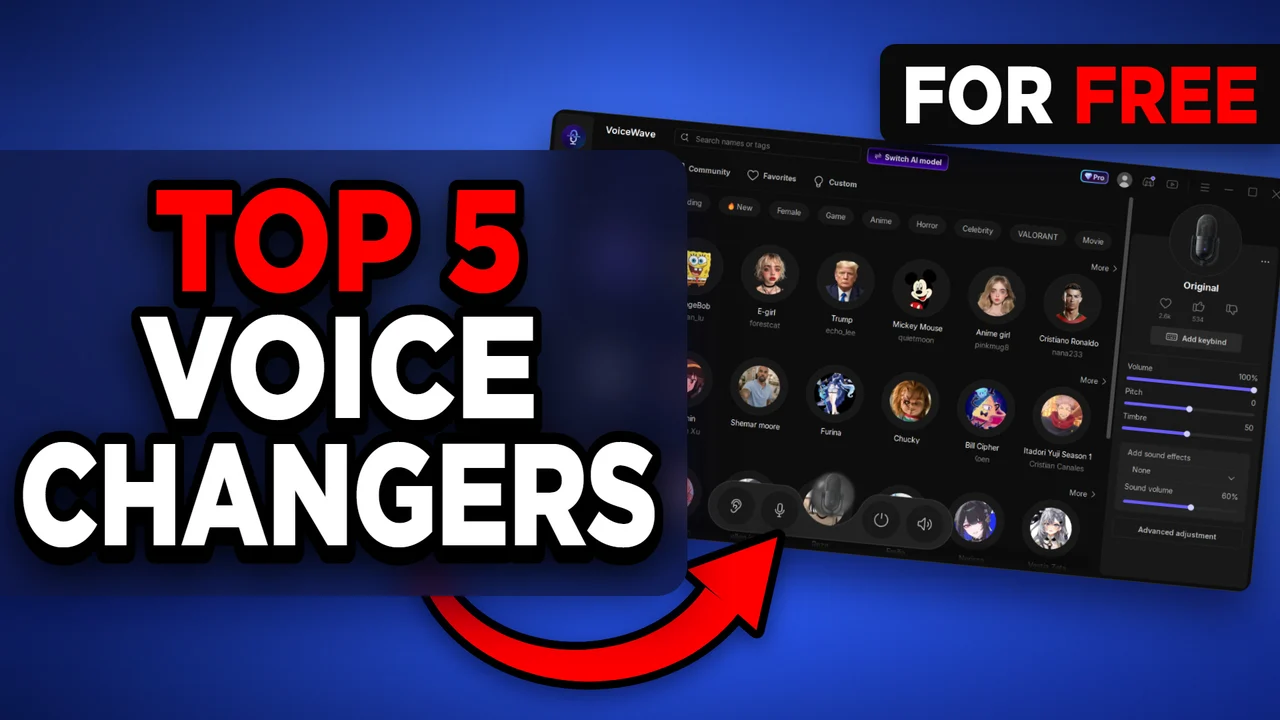
Written version of our video, every step checked against it.
Quick answer
- The video ranks five free voice changers for PC and games. The top pick is EaseUS VoiceWave, which works with every PC, app and game.
- Places 5 to 2 lose on one thing each: outdated and limited, hard to set up, no AI voices, and only two AI voices at a time.
- VoiceWave has 500+ voices you can use for free, including AI voices of celebrities, athletes and streamers, plus a soundboard.
- Its interface is easier than the number two app, a premium plan is cheaper, and it has no limit of two voices per month.
- To use it in a game or Discord, select VoiceWave Microphone as the input in Windows or in the app.
This is for anyone who wants a free voice changer for Fortnite, Discord, Minecraft or any other PC game and does not want to test five apps to find out which one is worth installing. It follows our video from place 5 to place 1: what held each app back, what the winner offers on screen, and how to check that your friends really hear the new voice.
How the five apps were judged
The video asks the same questions of every app, and you can use them on any voice changer. Is the interface modern or dated? Can someone who only wants to troll friends set it up in a minute? Does it have real AI voices, or only effects on your own voice? And how much of it is free?
- Place 5: looks super old and outdated. It is free, but really limited, with no features to speak of and a lot behind a paywall. The video's advice is to skip it.
- Place 4: surprisingly full of features and free voices. The problem is the opposite: it is so in-depth that many users find it hard to set up, and the interface is confusing if you just want to get into a game.
- Place 3: a name many people know from 2018, when Fortnite was in its prime, and little has changed. The interface is simple, but you need a tutorial or two first. It only changes the setup of your own voice, so there are no AI voices, and its soundboards only work if you already have the sound files. Fine on a budget, but the video would rather use other software.
- Place 2: a modern-looking interface with an AI voice changer built in. The worst part is that only two of the AI voices can be used at a time. They rotate, but it is still disappointing. It suits you if you accept being limited and want an easy interface.
Good to know
The video says it for place 5 and place 3 in plain words: if a free app hides its useful features behind a paywall or has no AI voices, the free label does not make it a good choice for games.
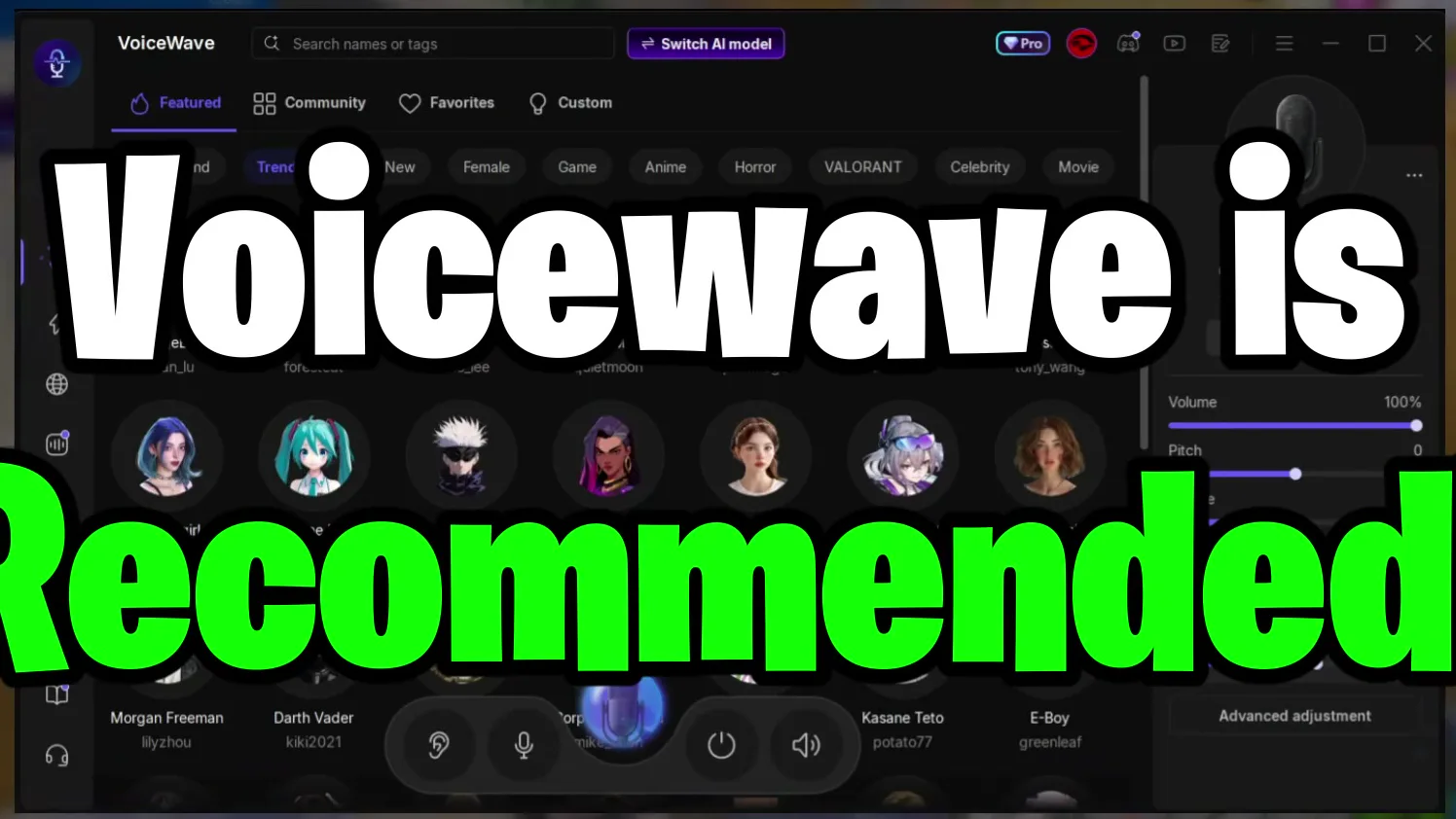
The last place in the video is the top pick, and the video calls it the world's best voice changer. It is compatible with every PC, every app and every game, and has over 500 different voices you can use right now for free. The screenshot shows the app's home page: a search bar for names or tags, the Switch AI model button, tabs for Featured, Community, Favorites and Custom, and rows of voices such as New and Female.
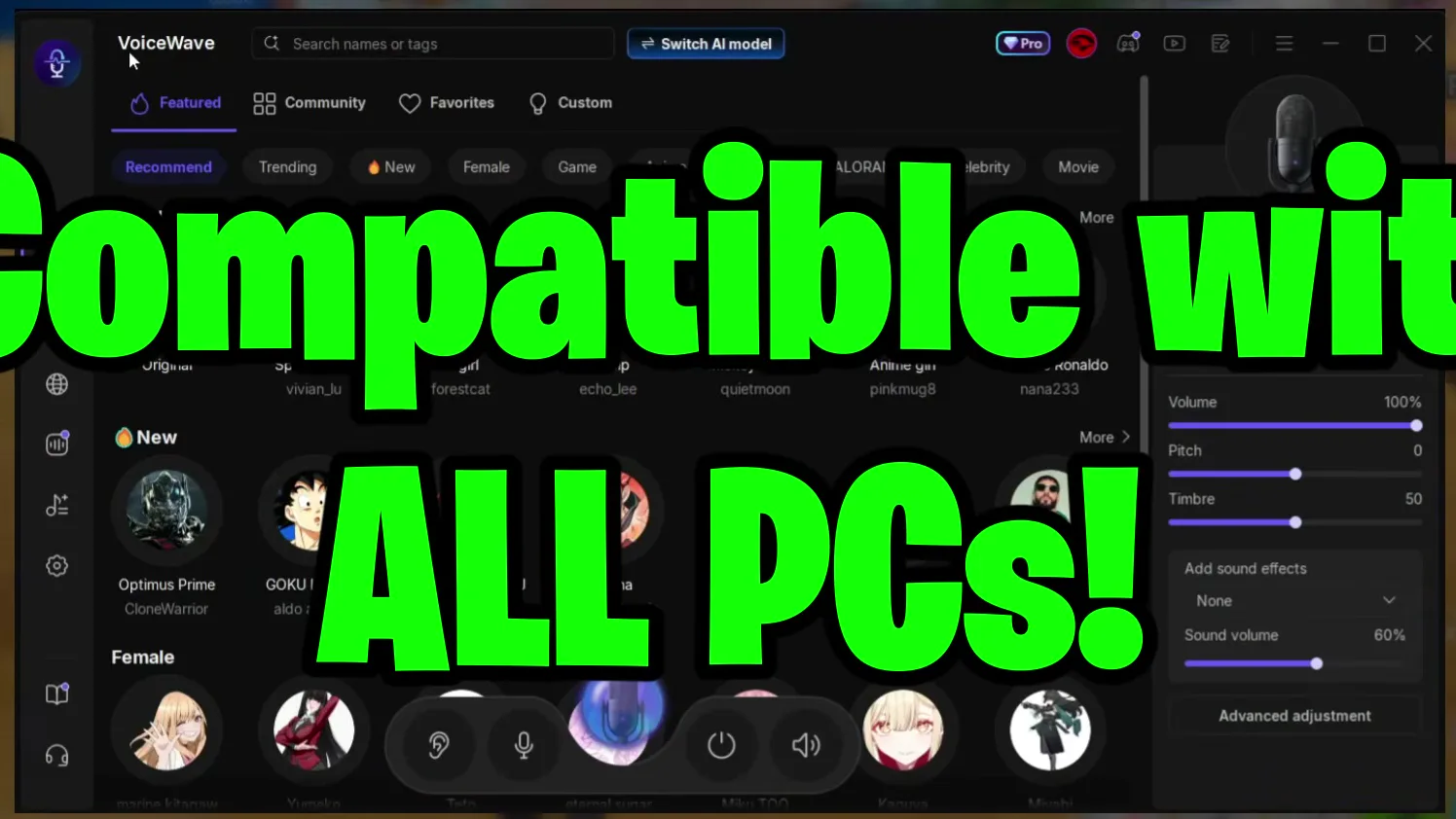
Key features from the video description: real-time voice changing, 500+ sound effects with a soundboard, background noise reduction and custom AI voices.
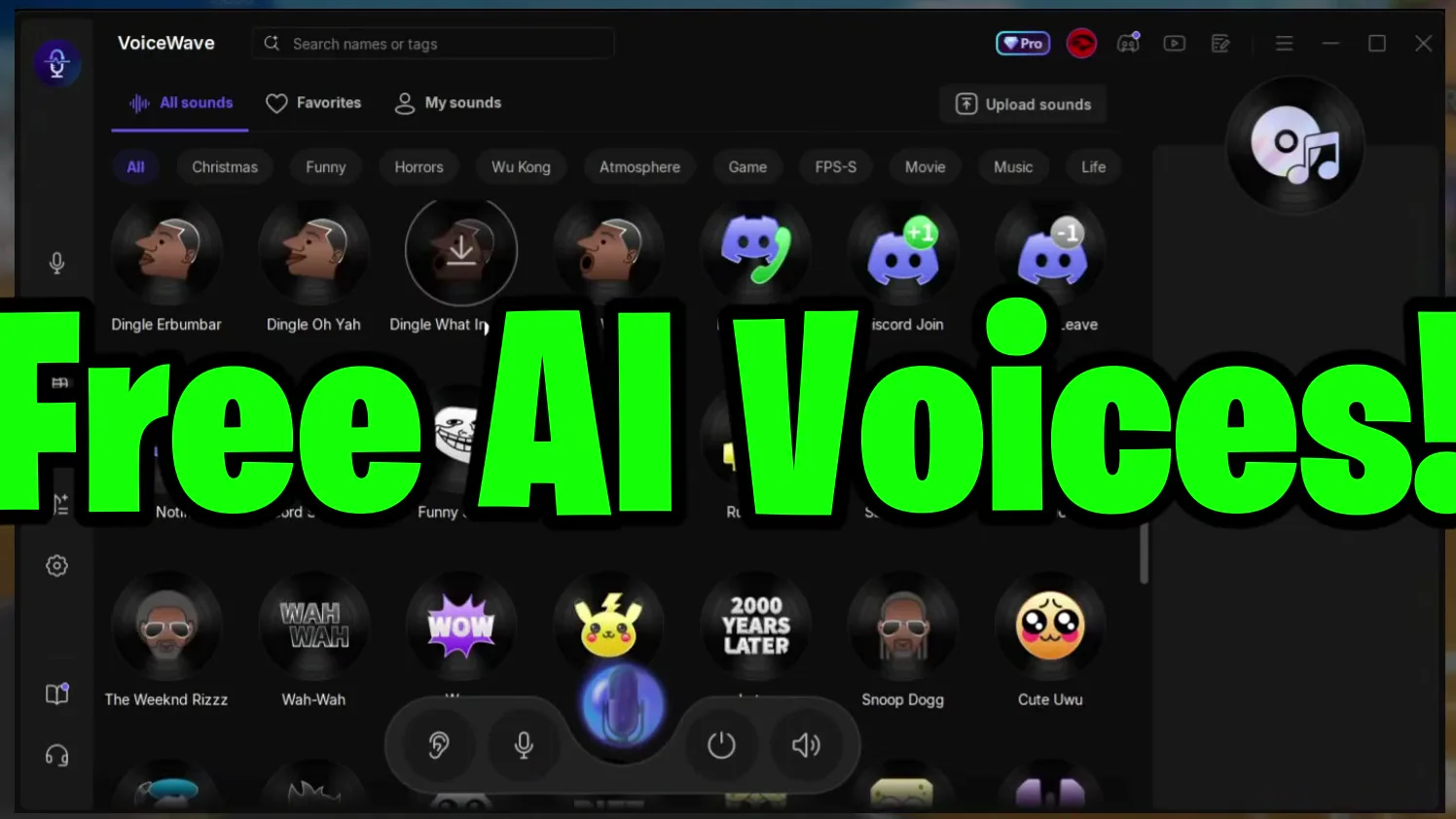
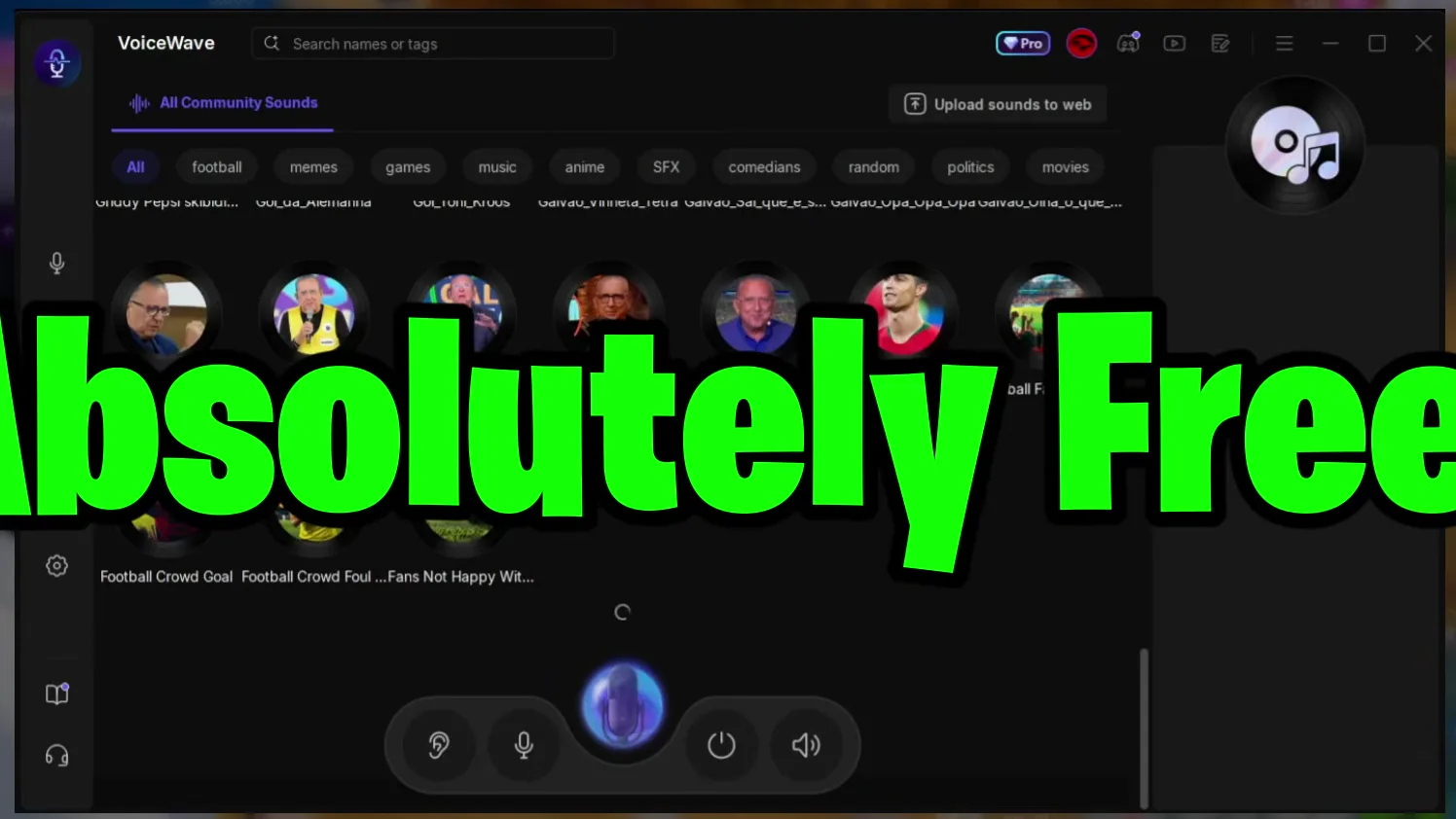
This is the part that sets it apart in the video: a lot of AI voices such as Trump, Elon Musk, Ronaldo, Kai Cenat and Speed. Any celebrity, athlete or popular person, and with a click of a button you are them. The same app also has a soundboard, where free community sounds are sorted by tags such as football, memes, games, music, anime, SFX and movies.
Tip
Not sure which celebrity voice you want? Use the search bar at the top for the name or a tag. Our celebrity voice changer guide shows how to search and try voices.
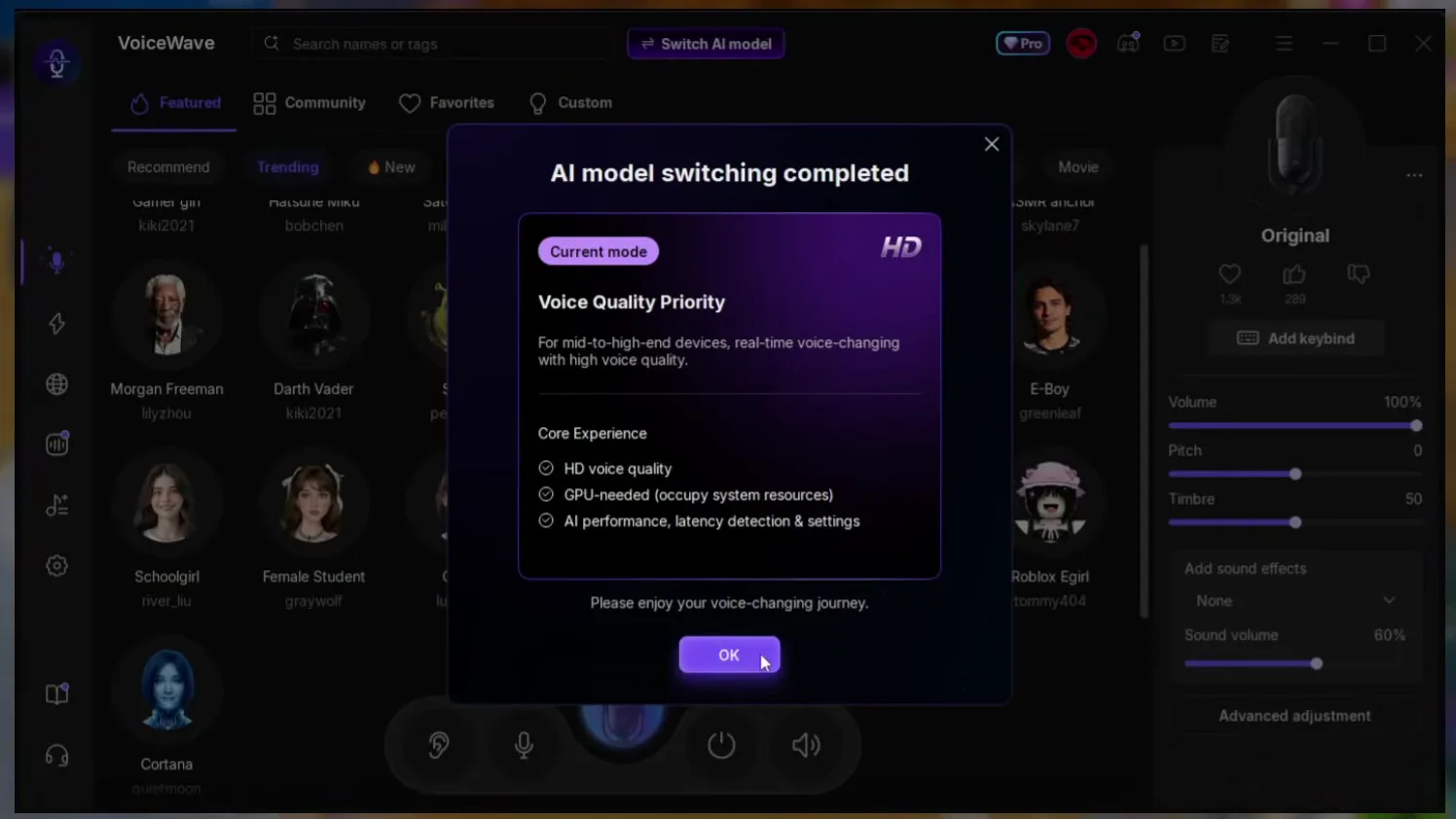
The video compares VoiceWave directly with the number two app. It says the interface is even easier to use, a premium plan is much cheaper, and the app does not restrict you to two random voices per month. When you switch the AI model, a window explains the two modes; the one in the screenshot is Voice Quality Priority, listed as HD voice quality for mid to high-end devices that needs the graphics card.
Switch AI modelVoice Quality PrioritySwitch nowOK
Careful
This mode is listed for mid to high-end devices and uses the GPU. If the changed voice stutters on an older PC, open Switch AI model again and pick the lighter mode. The full walk-through is in our VoiceWave e-girl guide.
The video ends with a clear recommendation: if you want the best voice changer, take VoiceWave, because in the video's words there is no competition between it and any other app. The download link is in the video description. After installing, the Trending and Featured rows are where you start: click a voice and talk.
To make games and Discord hear the changed voice, open the Windows sound settings and choose VoiceWave Microphone as the input, or choose it in the voice settings of the app itself. Keep VoiceWave running while you play. Our full VoiceWave setup guide and the Discord and Fortnite guide show every click, and the hotkey guide covers keys for voices and sounds.
How to check it worked
- Pick a voice in VoiceWave, speak, and watch the input level of the VoiceWave Microphone in the Windows sound settings. If it moves, the changed voice reaches Windows.
- Join a Discord call with a friend and ask what they hear. If they hear your normal voice, the app or game still uses your real microphone.
- Start your game with VoiceWave open and check the voice chat before a real match.
How to undo it
To sound like yourself again, click Original in VoiceWave. To stop using it completely, select your normal microphone again under Input in the Windows sound settings.
Key settings at a glance
FAQ
What is the best free voice changer for gaming in 2026?
In our video it is EaseUS VoiceWave: free to use, compatible with every PC, app and game, over 500 voices including AI voices of famous people, and a soundboard. The apps below it lose on age, setup, missing AI voices or a limit of two voices.
Does a voice changer work in Fortnite, Discord and Minecraft?
The video description says you can change your voice for Fortnite, Discord, Minecraft and more. In every case you select the voice changer's microphone as the input in Windows or in the app, and keep the voice changer open.
What should I check before installing a voice changer?
The same four things as in the ranking: does it look and feel current, can you set it up without a tutorial, does it have AI voices rather than only effects on your own voice, and how many voices are really free without a paywall or a monthly limit.
Are AI voices of celebrities really free?
The video says the 500+ voices, including AI voices like Trump, Elon Musk, Ronaldo and Kai Cenat, are free to use right now. The app also shows a Pro badge, so check inside the app which voices and features your plan includes.
Which AI model should I pick?
The video shows Voice Quality Priority, which the app describes as HD voice quality for mid to high-end devices that needs the GPU. If your PC struggles, switch to the lighter mode in the same window.
Which free voice changers does the video skip?
It puts an outdated app last, a very detailed but confusing one fourth, an old simple one without AI voices third and a modern one with only two AI voices second. For a direct comparison of other picks, see our top 3 free voice changers for gaming.
How do I use a voice changer for a girl voice?
Search the voice list for Female or girl voices and pick one. Our e-girl voice changer guide goes through it step by step.
Try EaseUS VoiceWave
EaseUS VoiceWave is the real-time voice changer used in the video. It works in Discord, games and streaming apps, and you can try it for free before you decide.
This article and the video are a paid partnership with EaseUS.